.jfif&w=3840&q=75&dpl=dpl_5ADMd8uijaLzKafRcnn1fwBvcZab)
When a shopper asks for something and you cannot hand it over, the loss cuts deeper than money. It chips away at trust, which takes years to build. On the flip side, filling shelves with items that sit untouched is like locking your own cash inside cardboard boxes. Research by Wasp Barcode revealed something striking: nearly 43 per cent of small businesses keep their stock lists in scattered sheets or skip tracking entirely, which means the numbers in front of them rarely match the goods sitting in storage.
The problem? When you use spreadsheets, they rarely reflect real numbers, especially when sales happen across multiple channels.
Table of Contents
- Why Inventory Management Matters
- What is Inventory Management in Business Central?
- Business Central Inventory Management Features
- How to Manage Inventory in Business Central
- Inventory Management in Dynamics 365 Business Central: An Overview
- Benefits of Using Business Central for Inventory Management
- Business Central Inventory Management Use Cases
- Business Central Inventory Management vs Traditional Inventory Management
- Best Practices for Inventory Optimisation in Business Central
- Final Thoughts
- Frequently Asked Questions
This is where Microsoft Dynamics 365 Business Central steps in. While many see it as finance software, it also provides capabilities for inventory management. Business Central gives you visibility into stock levels, purchase orders, warehouse activity, item movements, and inventory availability. Instead of guessing, you can see what is selling fast, what is approaching its reorder point, and what has been sitting in inventory for too long.
Business Central inventory management brings inventory, purchasing, sales, warehousing, and financial information together in one connected ERP system. This helps businesses maintain accurate stock records, reduce stockouts and overstocks, improve fulfilment, and make more informed purchasing decisions.
Why Inventory Management Matters
Inventory brings both risk and opportunity. Holding too much can tie up your working capital and increase storage costs. If you hold too little, you risk disappointing customers or missing out on sales. Good inventory management means staying in the middle ground.
With the right inventory management system, you can track what you have, where it is, and when to restock. This reduces surprises, such as discovering that items are unavailable just as an order comes in. It also prevents overstock situations where unsold products eat into margins.
For sectors such as retail, manufacturing, and distribution, inventory is not a side process. It is a foundation of the business. That is why more companies are moving away from manual methods and adopting tools such as Dynamics 365 inventory management to make stock operations more predictable and profitable.
What is Inventory Management in Business Central?
Business Central inventory management is the process of tracking, controlling, replenishing, and analysing inventory within Microsoft Dynamics 365 Business Central. It helps businesses maintain visibility over stock quantities, item movements, locations, purchasing, sales, warehouse operations, and inventory value.
Rather than managing stock information across spreadsheets and disconnected applications, Business Central connects inventory data with other core business processes. This gives purchasing, sales, warehouse, finance, and operations teams access to consistent inventory information.
Depending on the business setup, inventory management in Business Central can support activities such as:
Tracking inventory quantities and item movements
Managing items, variants, and locations
Monitoring inventory availability
Managing purchasing and replenishment
Recording receipts, shipments, and transfers
Supporting warehouse processes
Tracking items by lot or serial number
Managing inventory adjustments and stock counts
Monitoring inventory value and costs
Using planning information to support replenishment decisions
In simple terms, Business Central gives businesses a centralised way to understand what inventory they have, where it is, what is moving, and when more stock may be required.
Business Central Inventory Management Features
Business Central combines several inventory-related capabilities within the wider ERP platform. The exact functionality available to a business depends on its configuration, warehouse processes, and implementation requirements.
Inventory Tracking
Businesses can maintain visibility into inventory quantities and movements across locations. This makes it easier to understand current stock availability and identify discrepancies before they affect customer orders.
Item and SKU Management
Business Central provides a central place to maintain item information, including inventory-related settings and product details. This helps businesses keep product and stock data consistent across purchasing, sales, and warehouse processes.
Purchasing and Replenishment
Inventory planning and replenishment capabilities help businesses determine when additional stock may be required. Reordering policies and planning parameters can support more consistent purchasing decisions and help reduce unnecessary stockholding.
Warehouse Management
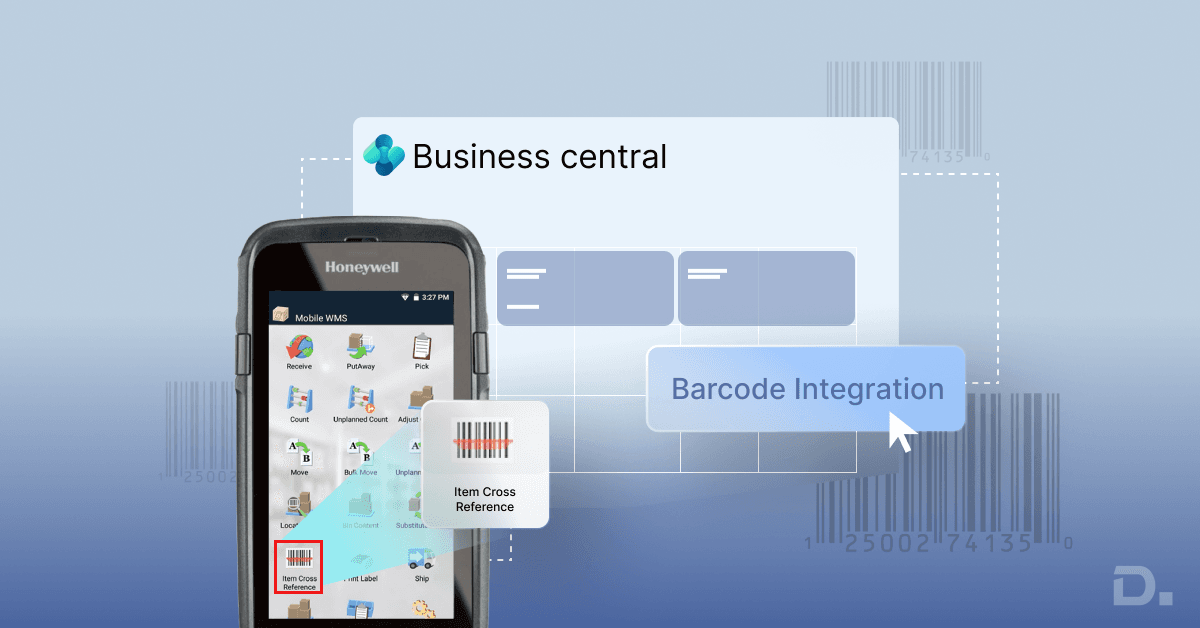
Business Central supports warehouse processes such as receiving, put-away, picking, movement, and shipping. Businesses can use locations and bins to improve visibility into where inventory is stored.
Learn more about Business Central warehouse management and how it can support more structured warehouse operations.
Lot and Serial Number Tracking
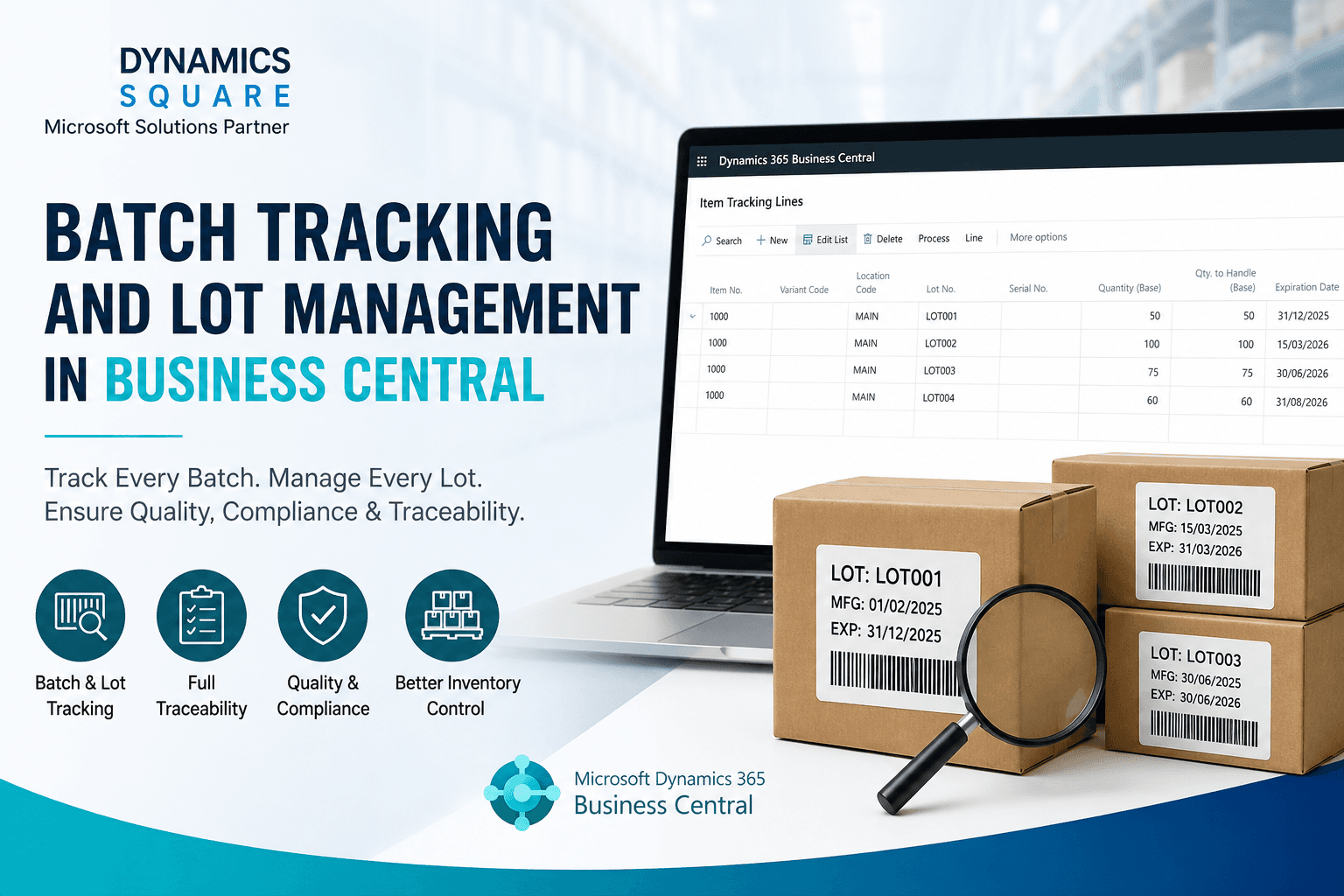
For businesses that require product traceability, Business Central can support lot and serial number tracking. This can be particularly useful for industries where businesses need to identify specific batches or individual products throughout their inventory processes.
Inventory Transfers
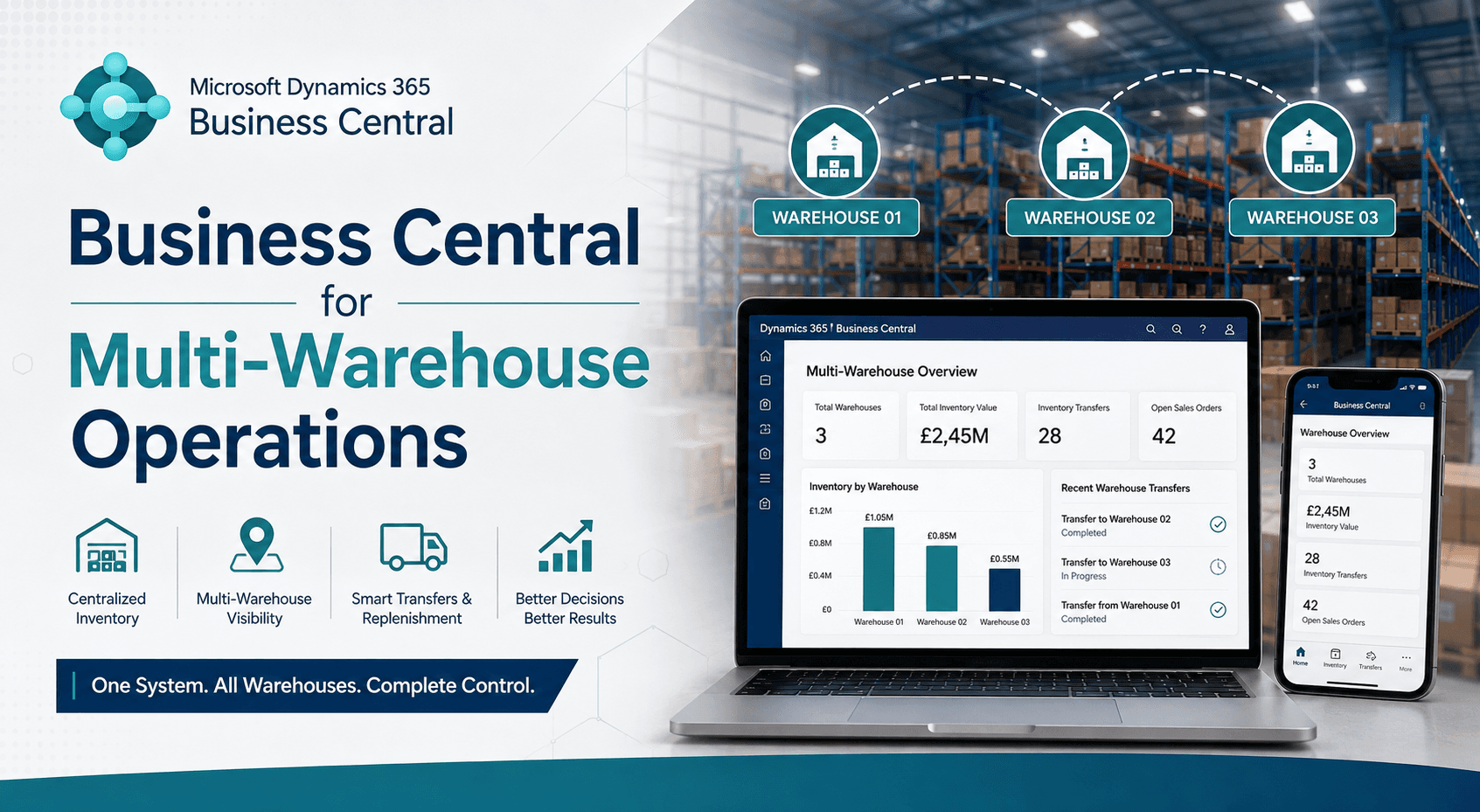
Businesses operating across multiple locations can manage inventory movements between locations. This helps maintain a clearer view of stock distribution rather than relying on separate spreadsheets for each site.
Inventory Valuation
Inventory is closely connected with financial management. Business Central can help businesses understand the value and cost of inventory while connecting inventory transactions with financial records.
Inventory Availability
Having accurate information about available inventory helps sales and operations teams make better decisions about customer orders, purchasing, and fulfilment.
How to Manage Inventory in Business Central
Managing inventory effectively in Business Central starts with accurate setup and consistent processes. While the exact workflow varies between businesses, a typical approach includes the following steps:
Set up items: Create and configure item records with the information required for purchasing, sales, inventory, and replenishment.
Configure locations: Set up warehouses, locations, and bins where required to represent how inventory is physically stored.
Define replenishment policies: Establish planning parameters and replenishment rules based on demand, lead times, and business requirements.
Record purchases and receipts: Process purchase orders and inventory receipts so incoming stock is reflected in the system.
Process sales and shipments: Record inventory leaving the business through sales orders and shipments to maintain accurate stock information.
Track inventory movements: Monitor transfers, adjustments, and other item movements between locations or warehouse areas.
Perform stock counts: Compare physical inventory with system records and make appropriate adjustments when discrepancies are identified.
Review inventory information: Use available inventory, purchasing, sales, and financial information to identify slow-moving stock, replenishment requirements, and potential issues.
This connected approach helps reduce the reliance on manual spreadsheets and gives teams a more consistent view of inventory throughout the business.
Inventory Management in Dynamics 365 Business Central: An Overview
How does Dynamics 365 Business Central handle inventory? Consider it a centralised control system for your stock. Instead of switching between spreadsheets, paper notes, or separate applications, you can manage inventory information alongside purchasing, sales, finance, and warehouse processes.
Some of the key capabilities include:
Inventory tracking: Monitor stock levels and inventory movements across warehouses, locations, and bins.
Purchasing and reordering: Use replenishment policies and planning information to determine when inventory may need to be reordered.
Warehouse management: Manage processes such as receiving, put-away, picking, movement, and shipping.
Inventory optimisation: Use inventory and planning information to balance stock availability with demand and carrying costs.
Supply chain integration: Connect inventory with purchasing, sales, suppliers, and wider operational processes.
Traceability: Use lot and serial number tracking where product-level or batch-level traceability is required.
In short, Business Central replaces a patchwork of disconnected inventory processes with a connected ERP environment that provides both a broader business view and detailed inventory information.
Benefits of Using Business Central for Inventory Management
Switching to Microsoft Dynamics 365 Business Central inventory management can provide several operational and financial benefits.
Fewer Stockouts and Overstocks
Business Central provides inventory and planning information that can help businesses identify replenishment requirements and avoid holding unnecessary quantities of slow-moving products.
Real-Time Inventory Visibility
Instead of waiting for manually prepared reports, teams can access current inventory information within the system. This can support faster purchasing, sales, and fulfilment decisions.
Better Inventory Accuracy
Manual counts and spreadsheets can introduce errors when transactions are missed or duplicated. Recording inventory transactions within Business Central helps keep system records aligned with business activity.
Lower Carrying Costs
Better inventory planning can help businesses reduce unnecessary stockholding. This can free working capital and reduce the costs associated with storing excess inventory.
Improved Order Fulfilment
Accurate inventory availability helps businesses make more informed decisions when accepting, allocating, and fulfilling customer orders.
Integrated Financial Visibility
Because inventory is part of an ERP environment, inventory transactions can connect with financial processes. This gives businesses greater visibility into inventory costs and value alongside other financial information.
Business Central Inventory Management Use Cases
Different industries use Business Central inventory capabilities according to their operational requirements. Common examples include:
Retail: Retailers can manage inventory across stores and other sales channels while maintaining a more consistent view of stock availability.
Distribution: Distributors can manage inventory received from multiple suppliers and coordinate stock with customer orders and deliveries.
Manufacturing: Manufacturers can connect inventory processes with production requirements, helping teams monitor raw materials, components, and finished goods.
E-commerce: E-commerce businesses can connect Business Central with relevant commerce platforms and integrations to help synchronise inventory information across channels.
In each case, the objective is similar: reduce manual work, improve inventory visibility, minimise errors, and support more reliable fulfilment.
Business Central Inventory Management vs Traditional Inventory Management
Traditional inventory management often relies on spreadsheets, manual stock counts, disconnected warehouse records, and separate purchasing or sales systems. As a business grows, these processes can make it harder to maintain a single source of truth.
| Traditional Inventory Management | Business Central Inventory Management |
|---|---|
| Multiple spreadsheets and manual records | Centralised inventory information within an ERP |
| Manual stock updates | Inventory transactions recorded within connected processes |
| Limited visibility across locations | Inventory visibility across configured locations and warehouse structures |
| Manual replenishment decisions | Planning and replenishment capabilities |
| Disconnected financial information | Inventory connected with financial processes |
| Limited traceability | Lot and serial tracking capabilities where required |
The key difference is connectivity. Business Central brings inventory into the same business system as purchasing, sales, warehouse operations, and finance.
Cost Savings and ROI
Effective inventory management is not only about organisation. It can also influence operating costs and working capital.
Lower holding costs: Better inventory planning can reduce unnecessary stockholding.
Less emergency shipping: Better stock visibility can help businesses identify potential shortages earlier and plan replenishment.
Reduced write-offs: Improved visibility into slow-moving and ageing inventory can help businesses take action before products become obsolete.
Smarter purchasing: Inventory and demand information can support more informed purchasing decisions.
Less manual administration: Connected processes can reduce repetitive spreadsheet-based inventory tasks.
The actual ROI of Business Central varies by organisation and depends on factors such as inventory volumes, existing processes, implementation scope, integrations, and adoption. Businesses should therefore assess ROI against their own operational costs and objectives rather than relying on a standard payback period.
Business Central Implementation: What to Expect
Thinking about making the move? A typical Business Central implementation may include the following stages:
Assessment: A partner reviews your existing systems, inventory processes, challenges, and business requirements.
Planning: You determine which capabilities and modules are required, such as inventory, finance, purchasing, sales, and warehousing.
Data migration: Existing inventory and business data is cleaned, mapped, and migrated into Business Central.
Configuration: Business Central is configured around your processes, locations, inventory requirements, and reporting needs.
Integration and customisation: Where required, Business Central can be integrated with other business applications or extended to support specific requirements.
Training: Users are trained on the processes and functionality relevant to their roles.
Go-live and support: The system is deployed and ongoing support helps users resolve issues and optimise the solution.
The implementation timeline can range from weeks to months depending on the complexity of the organisation, data, integrations, customisation, and business requirements.
Best Practices for Inventory Optimisation in Business Central
Implementing Business Central is only the starting point. To get more value from your inventory processes, consider these practices:
Use Appropriate Reordering Policies
Configure replenishment and planning parameters according to demand patterns, supplier lead times, minimum order quantities, and business requirements rather than relying entirely on manual purchasing decisions.
Set Suitable Safety Stock Levels
For critical products, maintaining an appropriate safety stock level can provide a buffer against unexpected demand or supply delays. The right level should be based on your actual business data.
Segment Your Inventory
Not every product needs the same level of attention. Prioritise high-value, high-demand, critical, or fast-moving items when reviewing inventory performance and replenishment requirements.
Use Demand and Planning Information
Use historical sales, current orders, supply information, and planning data to make better-informed inventory decisions. Avoid relying solely on assumptions about future demand.
Conduct Regular Stock Audits
Even with an ERP system, physical inventory checks remain important. Regular stock counts can identify discrepancies and help maintain reliable inventory records.
Monitor Slow-Moving Inventory
Identify products that remain in stock for extended periods. This can help businesses make decisions about purchasing, promotions, transfers, or inventory reduction.
Following these practices can help businesses improve stock availability, reduce unnecessary inventory, and create more efficient warehouse and fulfilment processes.
Final Thoughts
Inventory is the backbone of every product-based business. Poor inventory management can lock up working capital, increase storage costs, and delay customer orders. Effective inventory management, on the other hand, can improve visibility, operational efficiency, and customer service.
Microsoft Dynamics 365 Business Central provides businesses with a connected approach to inventory management, bringing inventory, purchasing, sales, warehouse operations, and financial processes together. Capabilities such as inventory tracking, replenishment planning, warehouse management, and lot or serial tracking can help businesses maintain better control over their stock.
If you are struggling with disconnected inventory processes or relying heavily on spreadsheets, implementing Business Central can provide a more structured and scalable approach. Working with an experienced Dynamics 365 partner can also help you assess your requirements, configure the solution, migrate your data, and support your team through implementation.
Connect with Dynamics Square UK today to discuss your Business Central inventory management requirements.
See Also:
Frequently Asked Questions
Inventory management in Business Central is the process of tracking, controlling, replenishing, and analysing stock within Microsoft Dynamics 365 Business Central. It can cover item management, inventory movements, purchasing, replenishment, warehouse processes, stock availability, and inventory valuation.
Yes. Business Central includes inventory management capabilities that help businesses manage items, stock quantities, locations, inventory movements, purchasing, replenishment, and related warehouse processes. Additional functionality can be configured according to business and operational requirements.
Business Central tracks inventory through recorded transactions such as purchases, receipts, sales, shipments, transfers, and adjustments. Businesses can also use locations, bins, and lot or serial tracking where required to improve inventory visibility and traceability.
Yes. Business Central can support inventory management across multiple locations. Businesses can configure locations and, where required, warehouse structures such as bins to maintain visibility into how inventory is distributed and stored.
Yes. Business Central supports lot and serial number tracking for businesses that need to maintain product or batch-level traceability. This can be particularly useful for products where businesses need to identify specific units or batches.
Business Central can help businesses make better-informed replenishment and purchasing decisions by providing inventory and planning information. Better visibility can help reduce unnecessary stockholding, minimise shortages, identify slow-moving inventory, and reduce manual administrative work.
Yes. Business Central is designed to support small and growing businesses as well as larger organisations. Businesses can start with the capabilities they need and expand their processes as their operational requirements become more complex.