
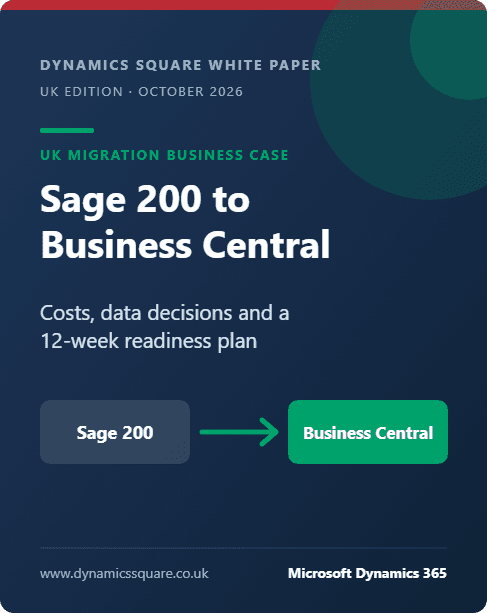
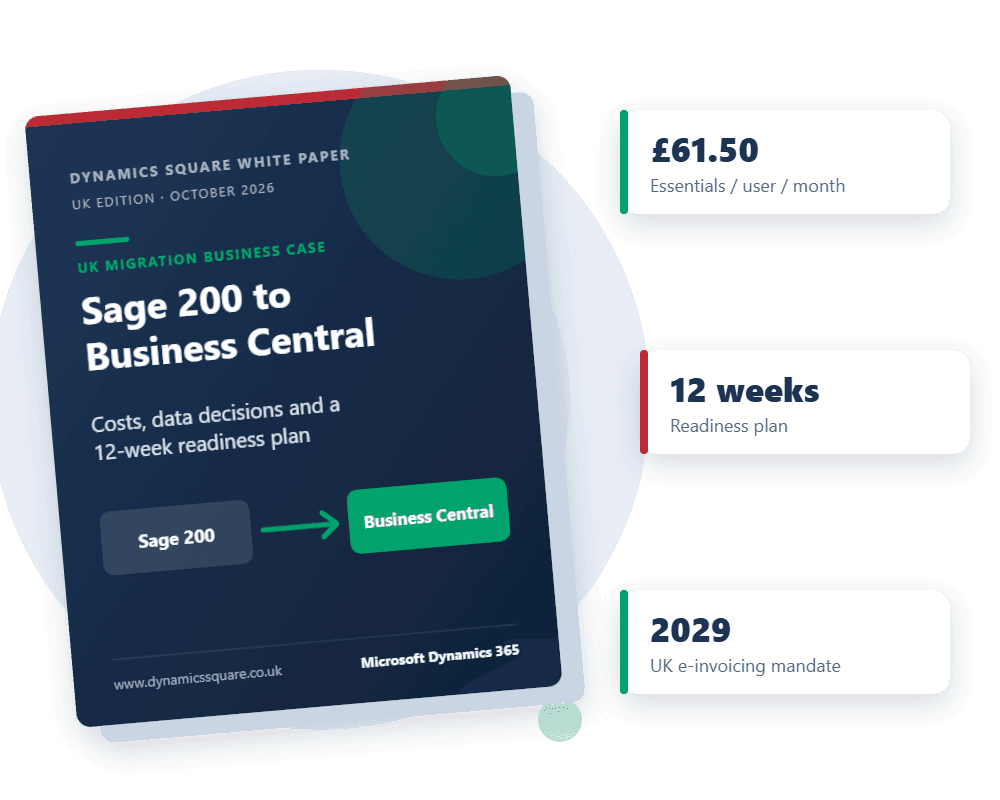
Sage 200 to Business Central: The UK Migration Business Case
Costs, data decisions and a 12-week readiness plan for finance directors running Sage 200.
- An honest fit test: when staying on Sage 200 is the better call
- A GBP cost model, by licence layer and workstream, you can take to the board
- The data, integration and history decisions that drive migration effort
- A week-by-week plan to reach a defensible decision in 12 weeks
Get your free copy
Fill in your details and download the PDF straight away.
Microsoft UK list prices and government sources as cited in the white paper, checked 22 October 2026.
Decide before you pay for the next Sage 200 upgrade
The cheapest time to evaluate Business Central is before you commit to your next version upgrade, server or SQL Server refresh, not after it.
Business Central replaces the server, the upgrade cycle and most of the bolt-ons with a Microsoft-run cloud service. The licence line is predictable, as our Business Central pricing and licensing guide explains. What decides whether the move pays back is how much history you bring across, which integrations you rebuild, and how you mix full users with light users. For a feature-by-feature view, see Business Central vs Sage 200.
Only one trigger is a hard deadline: Sage 200 Manufacturing support ended on 31 December 2025. Business Central Premium includes manufacturing management, which makes it a direct candidate for that replacement. For the wider journey from any Sage product, read our Sage to Business Central migration guide.
See how one merchant replaced Sage ERP with Business Central, and how our Business Central implementation and Dynamics 365 upgrade and migration services are delivered.
Ten chapters, from trigger to board paper
- 01Why Sage 200 sites are reviewing their ERP nowp.3
- 02Should you move at all? An honest fit testp.5
- 03What independent research says about projects like yoursp.6
- 04What actually moves: the data decisionsp.7
- 05What it costs: a GBP model you can defendp.9
- 06A 12-week readiness planp.11
- 07Risks and how to reduce themp.12
- 08Questions to ask any Business Central partnerp.13
- 09Frequently asked questionsp.14
- 10Next step: a Sage 200 migration assessmentp.15
Get the full Sage 200 migration business case
- A GBP cost model across licences, services, internal time and run costs
- The history, data and integration decisions that drive migration effort
- A 12-week readiness plan and the questions to ask any partner
More white papers for UK finance leaders
Leaving NetSuite: A Business Central Renewal and Migration Playbook
A 180-day runway, a fair fit test and a GBP cost model for UK teams approaching a NetSuite renewal.
Read the white paper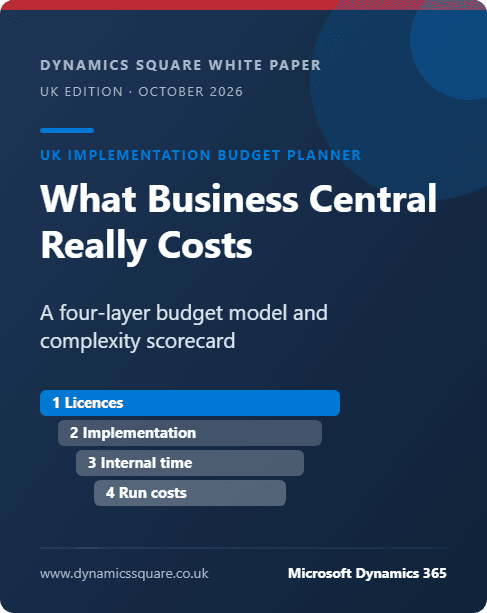
What Business Central Really Costs: A UK Implementation Budget Planner
A four-layer budget model, a complexity scorecard and three worked company profiles in GBP.
Read the white paper