Most businesses do not have a shortage of data. They have a shortage of useful, joined-up reporting.
Sales figures might be in a CRM. Finance may be working in Business Central or another ERP. Someone in operations may keep data in Excel, while other information sits in SQL Server or SharePoint. When a manager needs to see the full picture, they may have to check several systems.
Table of Contents
- What Are Power BI Integration Services?
- Why Integrate Power BI With Your Business Systems?
- Power BI Integration With Dynamics 365
- Power BI Integration With Business Central
- Power BI Integration With CRM
- Power BI Integration With ERP
- Power BI Integration With Excel
- Power BI Integration With Azure
- Power BI Integration With SharePoint
- Power BI Integration With SQL Server
- What Does a Power BI Integration Project Involve?
- Power BI Integration Solutions for Different Businesses
- Choosing a Power BI Integration Company or Partner
- Power BI Integration Services UK
- How Dynamics Square UK Can Help
- Final Thoughts
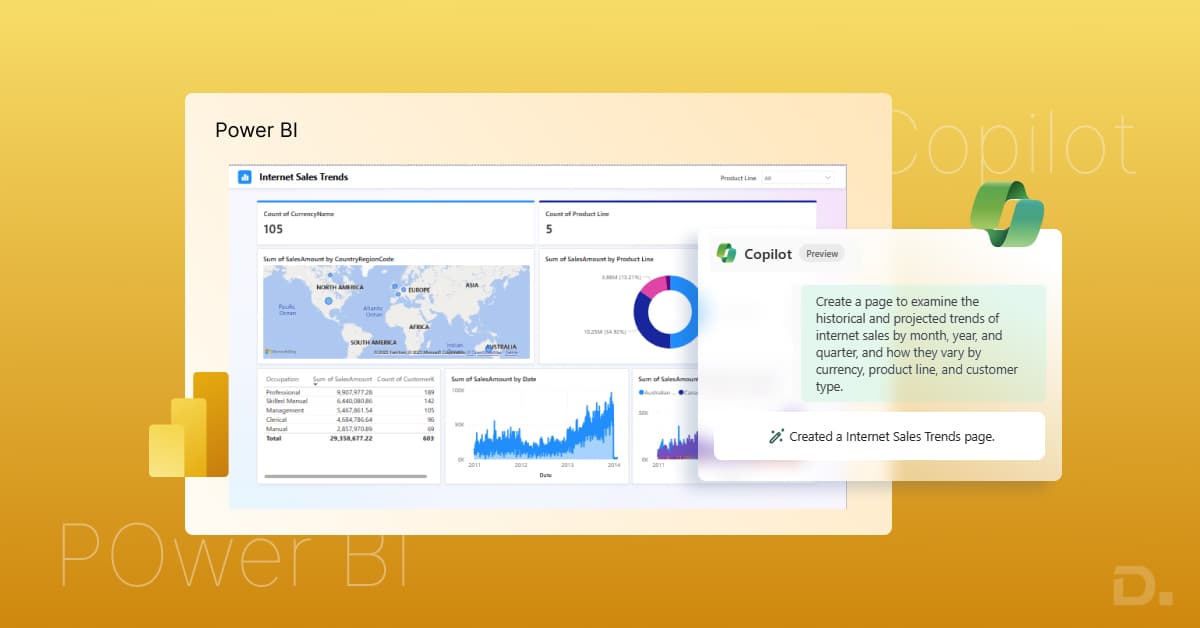
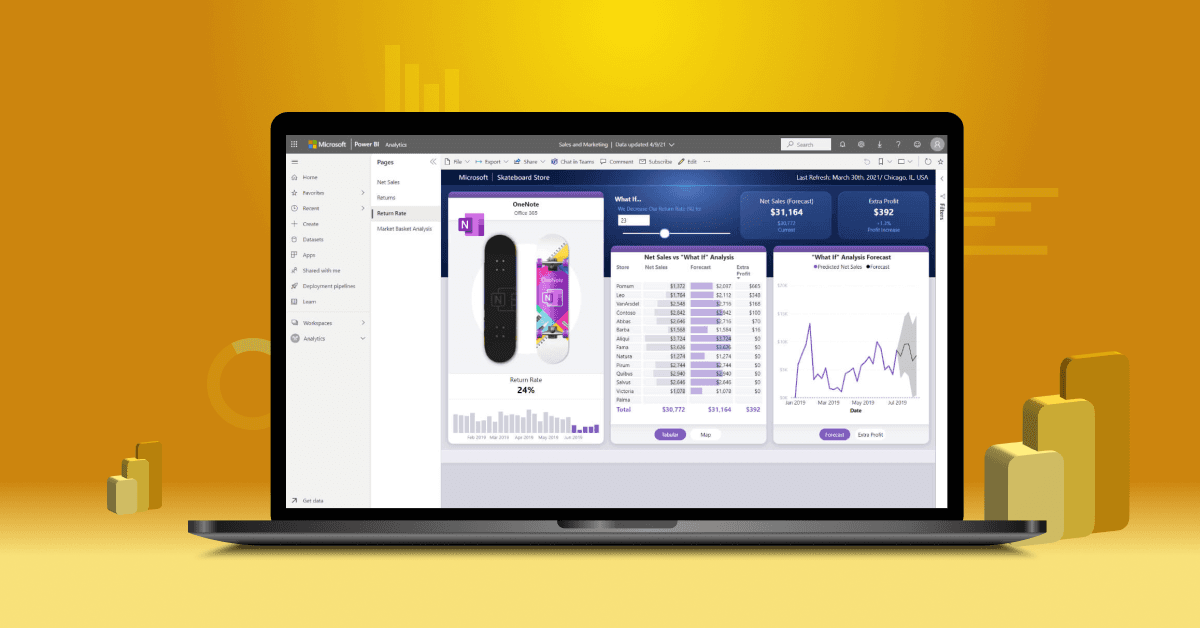
Power BI integration services can help by connecting these sources and putting the relevant data into reports and dashboards.
Key takeaways
- Power BI can connect to CRM, ERP, Excel, SQL Server, Azure, SharePoint, and other sources.
- It can reduce manual reporting and repeated spreadsheet work.
- The right setup depends on where your data is stored and what you need to report.
- Dynamics 365 and Business Central data can be analysed in Power BI.
- A good Power BI integration partner should understand both your data and your existing systems.
What Are Power BI Integration Services?
Power BI integration services help connect Power BI with the systems a business already uses.
It could be a single source, such as Business Central, or several systems used across the business.
For example, sales data might come from Dynamics 365, financial figures from Business Central, and targets from Excel. Power BI can use this information to build a report that brings those figures into one view.
Depending on the project, the work may include setting up data connections, preparing data, configuring refreshes, building reports, and checking the results.
Why Integrate Power BI With Your Business Systems?
The benefit is not simply having another dashboard.
It is about making reporting less dependent on manual work.
Imagine a sales manager who wants to compare this month's pipeline with actual revenue. If the figures stay in different systems, someone may have to export them, clean them, and combine them in Excel.
With the right Power BI data integration, that process can be reduced.
Businesses may use integration to:
- cut down manual reporting
- combine information from different systems
- monitor sales and financial performance
- give managers access to current information
- create reports that can be refreshed regularly
The quality of the result still depends on the source data. Power BI cannot fix duplicate, missing, or incorrect information on its own.
Power BI Integration With Dynamics 365
Many businesses already have useful data in Dynamics 365.
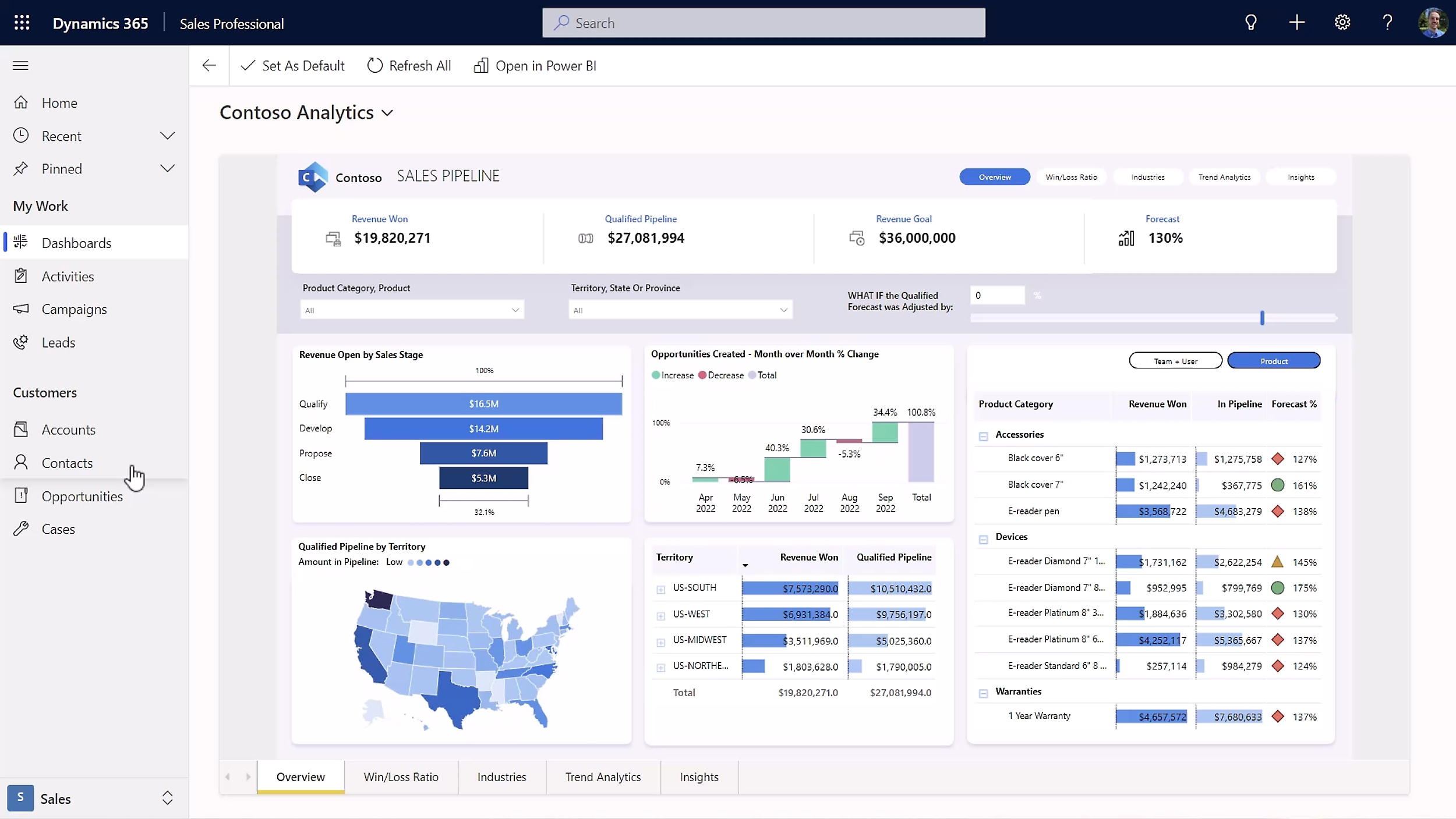
For example, Dynamics 365 Sales can provide information about leads, opportunities, accounts, and sales activity. Power BI can turn that information into reports for sales managers and business leaders.
A company may also want to compare its Dynamics 365 data with finance or operational information from another system.
That is where Power BI integration with Dynamics 365 becomes more useful than looking at CRM data on its own.
Power BI Integration With Business Central
Business Central contains financial and operational information that can be useful beyond the finance department.
With Power BI integration with Business Central, businesses can report on areas such as:
- revenue
- sales
- expenses
- inventory
- purchasing
- financial performance
For example, a finance manager could use Power BI to track revenue and expenses without preparing a new spreadsheet every month.
If the business needs information from other systems as well, those sources can be considered as part of the wider reporting setup.
Power BI Integration With CRM
CRM systems contain information that sales and management teams use every day.
Power BI integration with CRM can help turn that data into reports covering leads, opportunities, conversion rates, pipeline value, and sales activity.
It becomes more useful when CRM data is combined with other business information.
For instance, a company could compare its open sales pipeline with actual revenue from its finance system. That gives management a better view of what is happening before and after a deal closes.
Power BI Integration With ERP
ERP systems often hold some of the most important business data, from finance and purchasing to inventory and operations.
Power BI integration with ERP can bring those figures into dashboards and management reports.
A manufacturing business, for example, might want to compare orders, stock levels, production figures and revenue. Bringing these figures together can make it easier to spot changes in performance.
The integration method will depend on the ERP system and where its data is stored.
Power BI Integration With Excel
Excel is unlikely to disappear from business reporting anytime soon.
Many companies still use spreadsheets for budgets, targets, forecasts and planning information. Power BI integration with Excel can make that information available alongside data from other systems.
For example, a sales target stored in Excel could be shown alongside actual sales from a CRM.
There is one thing to watch, though. If an important business process depends entirely on a spreadsheet, it may be worth asking whether that information should eventually move into a more controlled system.
Power BI Integration With Azure
Azure can become useful when a business has more data sources or a more complex reporting environment.
Power BI integration with Azure may involve services such as Azure SQL Database, Azure Data Factory, Azure Synapse Analytics, or Microsoft Fabric.
A smaller company may not need any of this. If Power BI can connect directly to the required business system, adding another layer may create more work than value.
The architecture should follow the reporting requirement, not the other way around.
Power BI Integration With SharePoint
Many businesses use SharePoint for lists, documents, and internal information.
Power BI can use data from supported SharePoint sources in reports. For example, a company could combine project information held in a SharePoint list with financial information from Business Central.
This can be useful when teams already use SharePoint and want that information included in wider reporting.
Power BI Integration With SQL Server
SQL Server is another common source for Power BI.
A business may already have years of sales, customer, finance or operational data stored in SQL Server. Power BI can connect to that data, use it for dashboards, and perform analysis.
If the database is well organised, the connection may be relatively straightforward. More planning is needed when information is spread across several databases or needs significant transformation before reporting.
What Does a Power BI Integration Project Involve?
There is no standard setup for every business.
Usually, the first step is to work out what you want to report on and where that information currently stays.
From there, the project may involve:
Data sources: Identifying the systems that need to feed Power BI.
Data preparation: Checking fields, formats, duplicates and other data issues.
Integration: Setting up the required connections, APIs, connectors or data services.
Reports: Building dashboards around the information people actually need.
Testing: Checking Power BI figures against the original systems.
Refresh and security: Deciding how often data should update and who should be able to see it.
Power BI Integration Solutions for Different Businesses
A small business might only need Power BI connected to Business Central and Excel.
Another company may need Power BI integration with CRM and ERP. A larger organisation could have Dynamics 365, SQL Server, Azure and several other data sources.
There is no advantage in making the architecture complicated just because the technology allows it.
The better approach is to start with the reporting problem and then decide which connections are necessary.
Choosing a Power BI Integration Company or Partner
If many systems are involved, an experienced Power BI integration partner can help with the technical side as well as the planning.
Look for a provider that understands the systems you already use. If your business runs on Dynamics 365 and Business Central, for example, experience with those platforms can be just as important as Power BI knowledge.
It is also worth asking about:
- data security
- refresh requirements
- testing
- documentation
- future changes
- support after implementation
A good Power BI integration company should be able to explain the proposed setup in practical terms, including why each connection is needed.
Power BI Integration Services UK
UK businesses often have a mix of Microsoft applications, legacy systems and spreadsheets.
That means Power BI integration services in the UK can range from a relatively simple Business Central setup to a larger project involving CRM, ERP, SQL Server and Azure.
The location of the provider matters less than whether they understand your systems, reporting requirements and data.
How Dynamics Square UK Can Help
Dynamics Square UK can help businesses connect Power BI with Dynamics 365, Business Central, CRM, ERP, Excel, Azure, SharePoint, and SQL Server.
The work can include setting up connections, building reports, testing the data, and providing support.
If your team still spends time moving data between systems or updating reports manually, Dynamics Square UK can help you see where Power BI integration could make that work more effective and easier. Contact us Today!
Final Thoughts
Power BI integration is most useful when it solves a reporting problem that people are already dealing with.
If managers are waiting for figures from different teams, or staff is spending hours copying data between Excel files and business systems, that is a good place to start. Look at which reports take the most effort and where the data comes from.
The data sources will vary by business. Some may rely mainly on Dynamics 365 or Business Central, while others may need data from CRM, ERP, Excel, SQL Server, Azure, or SharePoint.
The aim is not to connect everything. It is to give the right people reliable information without adding more manual reporting work or adding another system that can make the existing system more complex.