
As your business grows, managing finance, sales, inventory, operations, and customer information across disconnected systems can become increasingly difficult.
Manual processes, duplicate data entry, limited visibility, and outdated software can slow down everyday operations and make it harder for teams to respond quickly to customers and make informed decisions.
Table of Contents
Microsoft Dynamics 365 Business Central brings financial management, sales, purchasing, inventory, projects, reporting, and other core business processes together in one connected ERP platform.
But how do you know when your business is ready for Business Central? Here are 11 signs that your current systems or processes may no longer be supporting your business effectively.
What is Microsoft Dynamics 365 Business Central?
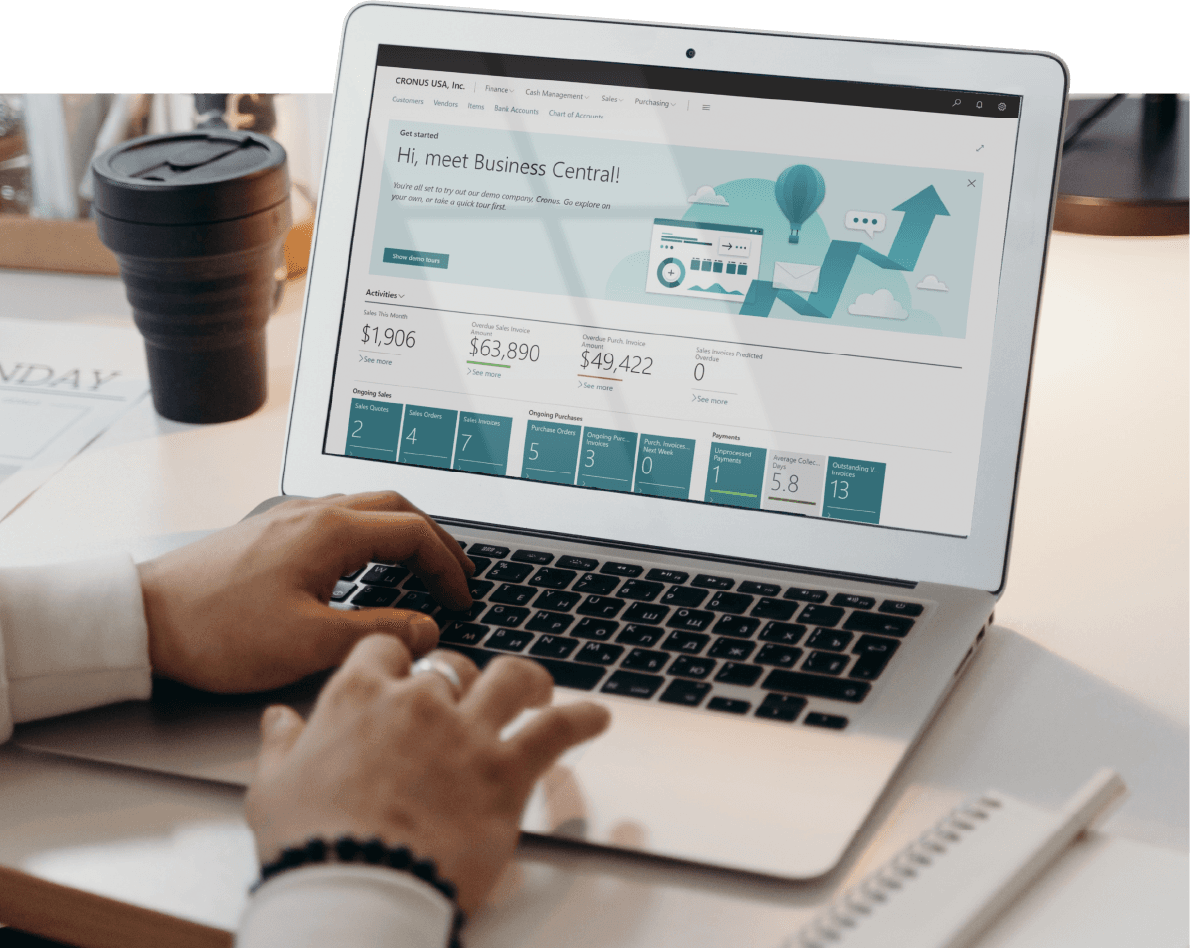
Microsoft Dynamics 365 Business Central is a cloud-based ERP solution designed to help small and mid-sized businesses manage their financials, sales, purchasing, inventory, projects, and other core operations from one connected platform.
Instead of relying on separate applications for different departments, businesses can use Business Central to connect operational and financial information, automate repetitive processes, improve visibility, and support better decision-making.
Business Central can also integrate with Microsoft 365, Power Platform, Dynamics 365 applications, e-commerce platforms, and other business systems, allowing businesses to extend the platform as their requirements evolve.
1. Manual Processes Dominate Your Operations:
Automation holds the key to significantly boosting productivity by significant amount of your company's operations. Like, automation can help you with error free data entry and precise business operations. Business Central has the ability to automate a number of such procedures, which reduces error and saves time. By automating repetitive and time-consuming tasks, you can streamline your operations and increase productivity.
2. You Struggling with Data Management:
Is your organisation producing so much data that it's overwhelming you? Your performance and operational understanding will improve when you manage and evaluate data on a single platform with Business Central's assistance. With Business Central, you can easily collect, store, and retrieve data from a range of sources, giving you the information you need to make informed decisions.
3. Inefficient Inventory Management:
If you frequently experience stockouts, overstocking, or inaccurate inventory data, Business Central can help you optimise stock levels and streamline your inventory management processes. Decisions about manufacturing, distribution, and purchases can be based on data because of Business Central's real-time inventory visibility. You can lower costs, boost customer satisfaction, and avoid stockouts implementing Business Central.
4. Limited Financial Visibility:
Do you have trouble getting a clear picture of your financial situation? You may make well-informed judgements by utilising Business Central's real-time financial reports and analytics. With Business Central, you can easily keep an eye on your income, expenses, profit margins, and cash flow while gaining a comprehensive picture of your financial performance.
5. Scaling Challenges:
You might be struggling to keep up with the increasing complexity and workload if your business is developing significantly. Business Central may expand together with your business and assist with it because to its flexibility and scalability. In order to accommodate your changing demands, Business Central may expand with your organisation by adding new users, features, and modules.
6. Lack of Collaboration:
Are you having problems getting your team to cooperate and communicate? Business Central improves teamwork and efficiency by offering a centralised platform for information sharing and project collaboration. Business Central enables your team to work together on projects, communicate effectively, and easily access and share documents with one another from anywhere in the world.
7. Customer Satisfaction Issues:
If you're dealing with unhappy consumers due to erroneous orders or lengthy response times, Business Central can help you improve customer service by accelerating order processing and providing more insight into client interactions. By automating order processing and providing you with access to real-time customer order information, Business Central may help you provide exceptional customer service and build enduring relationships with your clients.
8. Regulatory Compliance Concerns:
If your business is subject to strict laws, you may ensure compliance with the help of Business Central's comprehensive regulatory obligation management capabilities. By easily monitoring and managing adherence to industry standards and regulations with Business Central, you can reduce the likelihood of fines and penalties.
9. Outdated Systems:
Outdated and antiquated systems could be a hindrance to your company's effectiveness and competitiveness. Business Central offers a state-of-the-art cloud-based platform that can assist you in staying aware of new technological developments.
10. You Want to Use AI to Improve Business Operations
AI is becoming an increasingly important part of modern ERP systems. If your business wants to reduce repetitive work, improve access to information, or support employees with AI-assisted processes, this is another reason to evaluate Business Central.
Business Central includes Microsoft Copilot capabilities and agent-based functionality designed to assist users with specific business tasks and workflows.
For example, AI capabilities can help users analyse business information, generate insights, and automate selected repetitive activities.
Business Central also includes agent capabilities for specific scenarios. For example, Sales Order Agent can help automate parts of the sales order process, including processing customer requests, checking item availability, preparing quotes, and progressing confirmed quotes into sales orders within its supported workflow.
You can also explore Dynamics 365 Copilot to understand how Microsoft's AI capabilities can support broader business processes.
11. You Need a More Connected ERP and Long-Term Support Strategy
Choosing an ERP is only one part of a successful digital transformation. Businesses also need to consider implementation, data migration, integrations, user training, process configuration, testing, optimisation, and ongoing support.
If you want guidance throughout the ERP lifecycle, working with an experienced Microsoft Dynamics partner can help you plan and implement Business Central around your actual business processes.
Dynamics Square UK provides Business Central implementation, migration, upgrade, integration, training, and support services for organisations looking to modernise their business systems.
How Can Business Central Help Address These Challenges?
The 11 signs above generally point to a common issue: business processes have become more complex than the systems supporting them.
Business Central can help address these challenges by connecting:
Financial management: Manage general ledger, accounts receivable, accounts payable, cash flow, budgeting, and financial reporting.
Sales: Manage customers, quotes, sales orders, invoicing, pricing, and sales analysis.
Purchasing: Manage vendors, purchase orders, receipts, invoices, and procurement processes.
Inventory: Track stock, item movements, availability, costing, and inventory value.
Warehouse operations: Support warehouse processes and extend capabilities where more advanced requirements exist.
Projects: Manage project planning, resources, costs, budgets, and billing.
Reporting and analytics: Analyse financial, sales, inventory, and operational information.
AI and automation: Use Copilot and agent capabilities to assist users and automate selected business processes.
Is Business Central Right for Every Business?
Business Central is designed for a broad range of small and mid-sized organisations, but the right ERP depends on your business processes, transaction volumes, industry requirements, geographic footprint, integrations, and growth plans.
Business Central may be worth evaluating if you need a connected platform for finance, sales, inventory, purchasing, projects, and operations and want the flexibility to extend the system through Microsoft technologies and partner solutions.
For organisations with highly complex enterprise structures or specialised operational requirements, other Dynamics 365 solutions may be more appropriate. The right approach is to assess your business requirements first and then select the ERP architecture that fits them.
What Should You Consider Before Implementing Business Central?
Before moving to Business Central, assess more than just the software features. A successful ERP implementation depends on how well the platform fits your existing processes and future requirements.
Current business processes and pain points
Finance and accounting requirements
Sales and customer management processes
Inventory and warehouse complexity
Data migration requirements
Third-party applications and integrations
Reporting and analytics needs
User roles and permissions
AI and automation opportunities
Future growth and scalability requirements
Implementation, training, and ongoing support
A structured assessment can help identify which Business Central capabilities should be used out of the box and where integrations, extensions, or additional Dynamics 365 solutions may be required.
How Can Dynamics Square Help With Business Central?
Recognising the signs is only the first step. The next step is determining whether Business Central fits your processes, budget, users, data, integrations, and growth plans.
Dynamics Square UK can help businesses assess their ERP requirements, design a suitable Business Central solution, migrate data, configure workflows, integrate existing applications, train users, and provide ongoing support.
Whether you are replacing spreadsheets, moving from a legacy ERP, upgrading an existing Dynamics environment, or looking to introduce more automation, our team can help you plan the right Business Central approach.
Contact Dynamics Square UK to discuss your Business Central requirements and find out how an ERP assessment could support your next stage of growth.
Final Thoughts
Knowing when to move to a modern ERP is often less about company size and more about the complexity of your business processes.
If manual work is increasing, data is spread across disconnected systems, inventory visibility is limited, financial reporting takes too long, or your current software is making growth harder to manage, it may be time to evaluate a more connected ERP platform.
Microsoft Dynamics 365 Business Central brings financial management, sales, purchasing, inventory, projects, reporting, integrations, and AI-powered capabilities together in one platform. The right implementation approach can help businesses improve operational visibility while creating a scalable foundation for future growth.
Frequently Asked Questions
Microsoft Dynamics 365 Business Central is a cloud-based ERP solution that helps small and mid-sized businesses manage financials, sales, purchasing, inventory, projects, operations, reporting, and other core business processes.
Common signs include increasing manual work, disconnected business systems, limited financial or inventory visibility, difficulty scaling operations, outdated software, reporting challenges, and a need for greater automation.
Yes. Business Central is designed to support small and mid-sized organisations and can connect financial, sales, purchasing, inventory, project, and operational processes within one ERP platform.
Yes. Business Central supports workflows, integrations, automation tools, Copilot capabilities, and agent-based features that can help reduce repetitive work across supported business processes.
Yes. Microsoft Business Central includes Copilot and agent capabilities that can assist users with tasks, analyse business information, provide insights, and automate selected processes.
Yes. Business Central provides inventory management capabilities for tracking items, availability, movements, costing, and inventory value. Businesses with more advanced warehouse requirements can also extend the platform with additional warehouse capabilities and solutions.
Yes. Business Central can integrate with Microsoft 365, Power Platform, Dynamics 365 applications, e-commerce platforms, banking solutions, warehouse systems, and other third-party applications through supported integration methods and partner solutions.
Yes. Dynamics Square UK can help with Business Central assessment, implementation, data migration, integration, configuration, training, upgrades, and ongoing support based on your business requirements.