Most finance teams already work with large volumes of data, reports, and transactions. This guide explores the AI-powered capabilities in Dynamics 365 Finance and how they can support forecasting, reporting, collections, automation, and other routine finance activities that often take more time than expected.
According to Microsoft's 2024 Work Trend Index, 75% of knowledge workers already use AI in some form at work. For many finance teams, the focus is now on understanding where those capabilities can actually be useful.
Table of Contents
Most finance departments already have access to the information they need.
The pressure usually comes from the volume of activity rather than the availability of data.
Forecast updates, invoice reviews, collections activity, reporting requests, and routine financial checks often happen at the same time.
As transaction volumes increase, keeping pace with those activities becomes more challenging.
None of these tasks is unusual on its own.
The difficulty comes when they all compete for time.
None of these activities is unusual.
They are simply part of everyday finance work.
The problem is that they all compete for attention at the same time, especially as transaction volumes increase and businesses become more complex.
That is one reason AI is becoming a bigger part of financial management discussions.
Most organisations are not trying to automate every finance process completely.
In many cases, they are simply looking for ways to make routine finance work easier to manage.
That is where the AI-powered capabilities in Dynamics 365 Finance start becoming relevant.
Why Finance Teams Are Looking at AI
Finance teams have never been short on work.
What has changed is the amount of information they are expected to work with.
A few years ago, reporting cycles were often simpler. Today, finance data comes from more places, stakeholders expect faster answers, and planning discussions happen far more frequently than they once did.
Most teams manage perfectly well.
The issue is that routine activities start taking up a larger share of the day.
There is always something waiting for attention.
A forecast needs updating. A report needs checking. New transactions need reviewing before somebody asks for the latest numbers.
Most finance teams are used to working this way.
The issue is not the work itself.
It is how quickly those small tasks start adding up.
That is why AI has started appearing in more finance conversations. Not because teams want to completely change their processes, but because they are looking for ways to make everyday work a little easier to manage.
Signs Manual Work Is Starting to Build Up
Most organisations do not start exploring AI because somebody suddenly decides they need it.
Usually, the conversation begins after a series of smaller frustrations.
Reporting Takes Longer Than Expected
Many finance teams spend more time gathering information than discussing it.
Data sits in different places, spreadsheets need updating, and numbers often need checking before anyone can start analysing performance.
Forecasts Never Really Feel Finished
Forecasting is rarely a one-time exercise.
Assumptions change, priorities shift, and new information appears throughout the year. By the time one version is complete, another update is often already needed.
Spreadsheets Become Part of Everything
Most businesses rely on spreadsheets to some degree.
Problems tend to appear when they become the main way information is managed across different teams and processes.
Collections Start Taking More Time
As customer numbers increase, collections activity usually increases as well.
Teams spend more time reviewing accounts, following up on payments, and deciding where to focus their attention.
Month-End Starts Feeling Heavier
Month-end has always been busy.
The difference is when routine activities begin taking longer than they used to, leaving less time for reviewing results and planning next steps.
Where AI Starts Showing Up in Dynamics 365 Finance
One reason AI adoption has accelerated is that people do not always need to learn an entirely new way of working.
Many AI-powered capabilities in Dynamics 365 Finance appear inside processes finance teams already know.
A forecasting exercise may include additional insights.
A collections review may surface different priorities.
A reporting process may highlight information that would otherwise take longer to find.
In many cases, users do not think about AI at all.
They simply notice that certain activities require fewer steps than they used to.
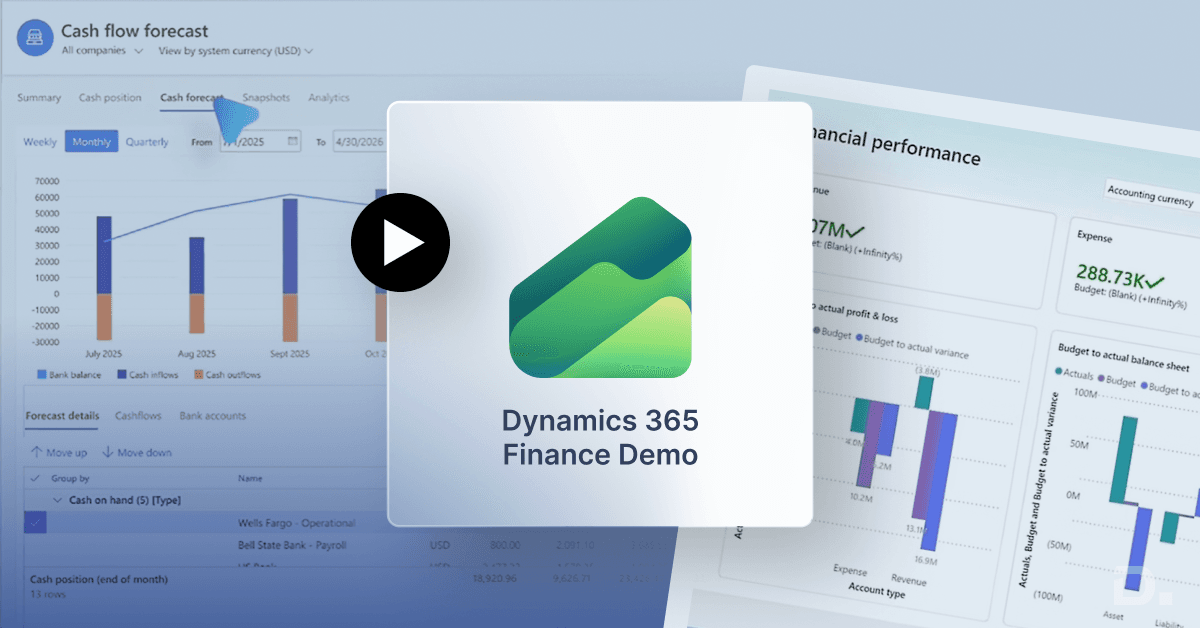
Cash Flow Forecasting
Cash flow forecasting often depends on a combination of historical performance, current transactions, assumptions, and ongoing adjustments.
Dynamics 365 Finance uses AI to analyse financial patterns and provide additional support during forecasting activities.
The system is not making financial decisions on behalf of the business.
Instead, it helps finance teams work with more information when evaluating future cash flow positions and potential risks.
Budget Forecasting
Budget planning becomes more difficult as businesses grow.
Additional projects, suppliers, departments, and operational costs create more variables to consider.
AI can help identify trends from previous financial activity and provide additional context during planning discussions.
Finance teams still make the final decisions, but they spend less time collecting information manually before those discussions take place.
Collections Management
Collections is one area where repetitive work tends to build up quickly.
Teams review overdue accounts, prioritise follow-ups, monitor customer payment behaviour, and repeat similar activities every week.
As customer volumes increase, that workload often increases as well.
AI-powered capabilities can help identify collection priorities and highlight accounts that may require attention, making the process easier to manage without relying entirely on manual reviews.
Invoice Processing
Invoice processing rarely causes major problems when transaction volumes are low.
As businesses grow, however, hundreds or even thousands of invoices may require validation every month.
Reviewing information, checking details, identifying exceptions, and resolving discrepancies all take time.
AI helps automate parts of this process so finance teams can focus their attention on the invoices that genuinely require human review.
Reporting and Financial Insights
Most finance teams already have access to reports.
The difficulty is knowing which numbers actually need attention, especially when reports contain hundreds of lines of information and only a small number require action.
AI-powered financial management can help surface unusual patterns, changes, and exceptions so teams can focus on the information that matters most.
The goal is simply to make important information easier to spot.
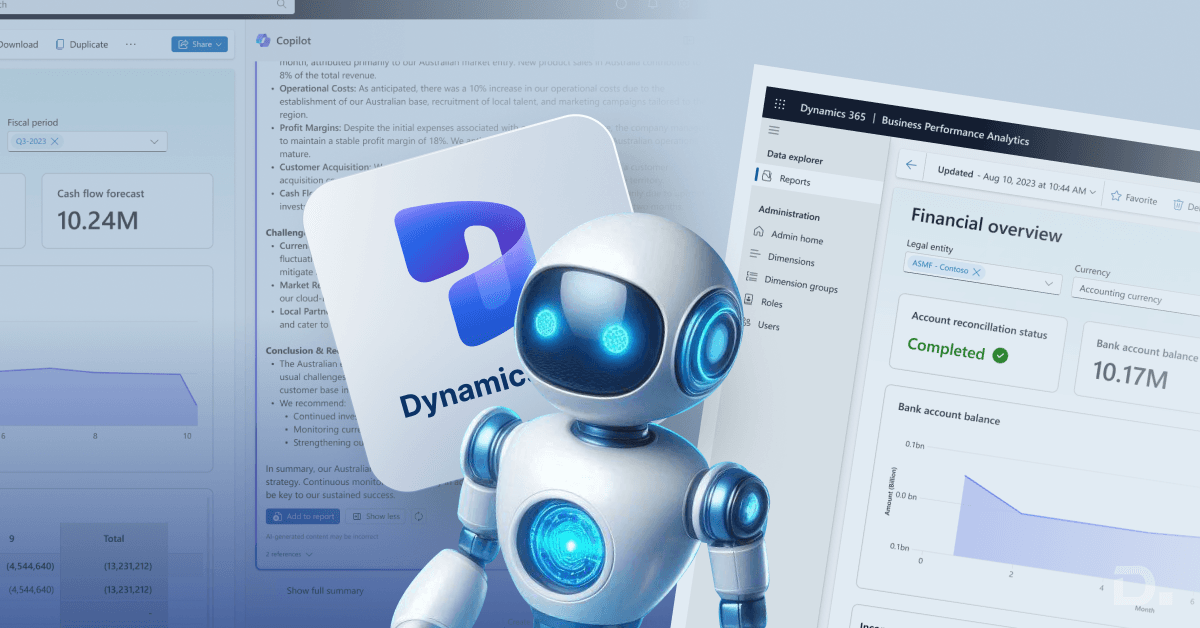
Microsoft Copilot in Dynamics 365 Finance
Copilot has become one of the most talked-about additions across Microsoft's business applications.
Finance teams are no strangers to searching through reports, reviewing multiple screens, or pulling information together before they can answer what seems like a simple question.
The information is usually there.
Finding it quickly is often the part that takes time.
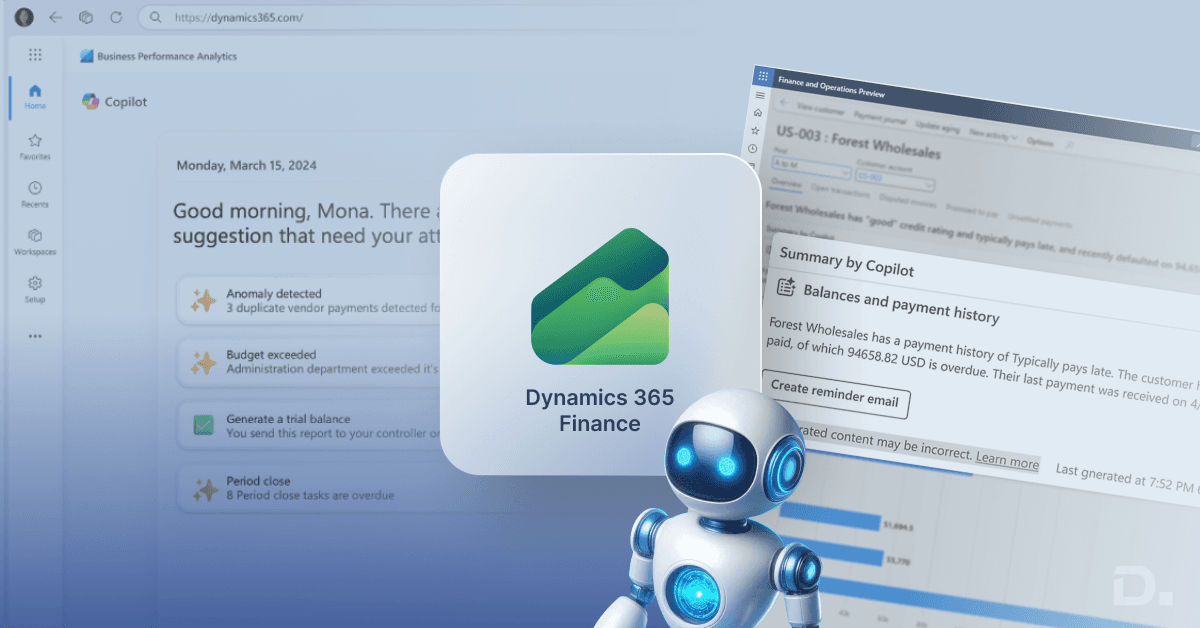
That is where Microsoft Copilot in Dynamics 365 Finance comes into the picture.
Users can review summaries, explore trends, and interact with financial information in a more conversational way rather than manually working through multiple reports.
For example, a finance manager preparing for a meeting may want a quick overview of cash flow movements or unusual variances. Instead of spending time gathering information from different places, Copilot can help bring those insights together faster.
The role of Copilot is not to replace analysis.
It simply helps teams get to the analysis stage more quickly.
What AI Still Cannot Do
AI can assist with many finance activities, but it still has limitations.
It can identify patterns, highlight unusual activity, and automate parts of repetitive processes.
What it cannot do is replace experience, judgement, or business context.
Finance teams still make decisions around budgets, compliance, forecasting assumptions, and long-term planning.
AI also depends heavily on the quality of the information available.
If reports contain inaccurate data or processes are inconsistent, AI will not magically correct those issues.
That is why many organisations focus on data quality and process improvements alongside AI initiatives.
Technology can support good processes; It cannot compensate for poor ones.
Where Teams Usually Notice the Difference
Most businesses do not see dramatic changes overnight after enabling AI-powered capabilities.
The impact tends to appear in smaller ways.
Reporting reviews may take less time.
Forecasting activities may require fewer manual adjustments.
Collections teams may spend less time deciding which accounts need attention first.
Month-end activities still require work, but some of the repetitive tasks surrounding them become easier to manage.
Individually, those improvements may seem modest.
Taken together, they can create meaningful efficiency gains over time.
Benefits of AI in Dynamics 365 Finance
Every business measures success differently, but several benefits appear regularly when organisations start using AI-powered ERP software.
Reduced Manual Effort
Many finance processes involve routine reviews, validations, and administrative activities.
AI can help reduce some of that workload by automating parts of the process.
Faster Access to Information
Finding information often takes longer than analysing it.
AI helps surface relevant information more quickly, allowing teams to spend less time searching and more time reviewing.
Better Support for Financial Planning
Historical patterns and trends can provide useful context during budgeting and forecasting discussions.
AI helps bring that information together in a way that supports planning activities.
Improved Visibility
Important changes, trends, and exceptions become easier to identify when large volumes of financial data are involved.
More Time for Analysis
When teams spend less time on repetitive activities, they can dedicate more attention to planning, performance reviews, and decision-making.
Why Work with a Dynamics 365 Finance Partner?
Most businesses are not interested in enabling every AI feature available.
They are usually trying to understand which capabilities are likely to be useful and which ones are unlikely to make much difference.
Some organisations focus heavily on forecasting and reporting.
Others are more interested in automation, collections management, or Copilot functionality.
That is where a Dynamics 365 Finance implementation partner can help.
Dynamics Square UK works with businesses evaluating Dynamics 365 Finance capabilities and helps identify where those capabilities align with existing finance processes.
The conversation is rarely about technology alone.
It is usually about understanding where improvements are most likely to deliver value.
Dynamics 365 Finance Pricing and Implementation Considerations
AI features are getting a lot of attention, but they are only one part of the Dynamics 365 Finance conversation.
Most businesses spend just as much time reviewing reporting requirements, integrations, implementation effort, licensing, and future plans.
Those factors often have a greater impact on the project than individual features.
That is one reason demonstrations continue to play an important role during evaluations.
Reading about functionality is useful.
Seeing how it works within real finance processes is often more valuable.
For many organisations, that is where the software starts making sense.
Final Thoughts
Finance teams are unlikely to stop reviewing reports, updating forecasts, managing collections, or dealing with month-end activities any time soon.
Those responsibilities are not going away.
What is changing is the amount of support available around them.
AI is gradually becoming part of everyday finance software, and Dynamics 365 Finance is one example of that shift.
For most organisations, the value comes from making familiar tasks easier to manage rather than introducing entirely new ways of working.
That is ultimately where the AI-powered capabilities in Dynamics 365 Finance can have the biggest impact.
See Also -