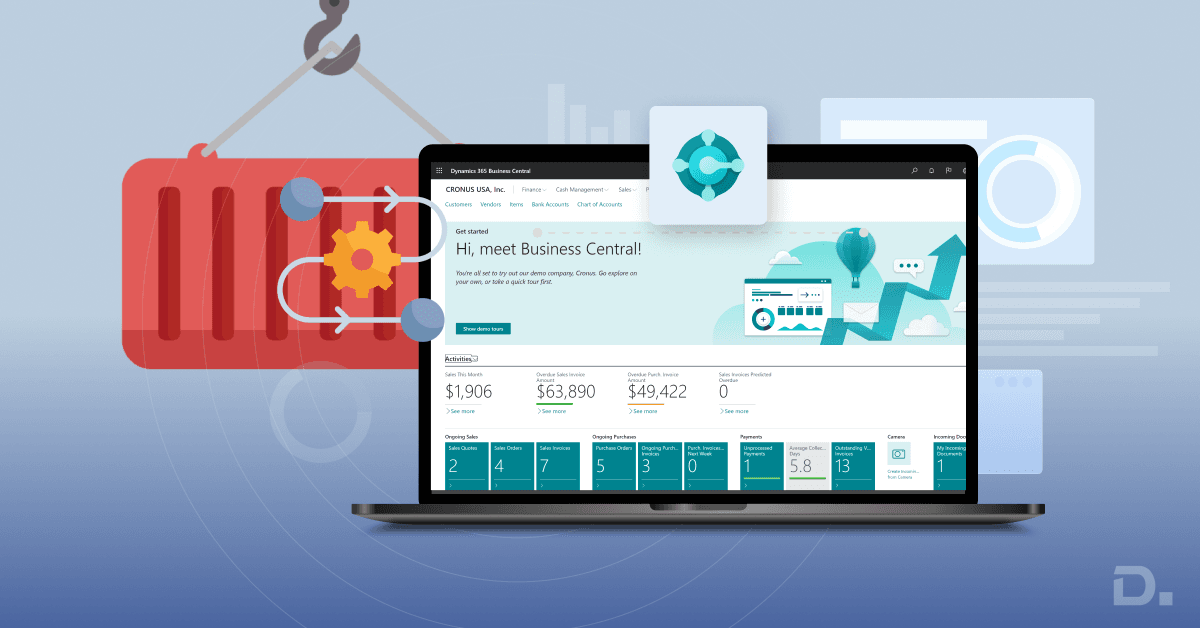
Managing shipments that arrive in containers can be a real challenge for businesses that deal with international suppliers. From tracking what’s inside each container to knowing when it will arrive and how much it really costs, there’s a lot to keep up with. That’s where Dynamics 365 Business Central comes in.
Inbound container handling in Dynamics 365 Business Central is the process of managing imported goods from purchase order and shipment planning through container tracking, landed cost allocation and warehouse receiving. Business Central provides the underlying purchasing, inventory and warehouse capabilities, while detailed container-level requirements may be supported through extensions or customisation.
Table of Contents
- What is Inbound Container Handling in Dynamics 365 Business Central?
- How Does Inbound Container Handling Work in Business Central?
- Importance of Inbound Container Handling in Supply Chain and Warehouse Management
- How Does Business Central Handle Landed Costs for Inbound Containers?
- Business Central Native Functionality vs Container Management Extensions
- Inbound Container Handling and Business Central Integration
- How Inbound Container Handling Supports Inventory Planning
- When Should You Consider a Business Central Container Management Extension?
- Summary: Why Inbound Container Handling Matters
- How Can Dynamics Square UK Help With Inbound Container Handling?
- Frequently Asked Questions
With the right setup, businesses can improve visibility of goods in transit, coordinate purchasing and warehouse activities, manage landed costs, and reduce manual work. In this article, we’ll explore how inbound container handling or inbound container tracking works in Business Central and why it’s important for supply chain and warehouse operations.
What is Inbound Container Handling in Dynamics 365 Business Central?
Inbound Container Handling or Inbound Container Tracking in Dynamics 365 Business Central refers to the process of managing and tracking shipments, especially those arriving in containers from suppliers to your warehouse or distribution centre.
Business Central supports core purchasing, inventory and warehouse processes. However, businesses that need detailed container-level logistics, such as grouping multiple purchase orders into one container, tracking container-specific information or managing specialised landed-cost workflows, may need a third-party AppSource extension or custom solution.
What It Involves
Inbound Container Handling can help businesses:
Group multiple purchase orders into a single container.
Track container details such as expected arrival dates, weight, volume and shipping method.
Manage on-the-water inventory, allowing visibility of goods before they physically arrive.
Allocate landed costs such as freight, duties and insurance across items in the container.
Streamline receiving by enabling efficient receipt of container contents.
Update delivery dates across related purchase lines when a container is delayed.
How Does Inbound Container Handling Work in Business Central?
The inbound container process connects purchasing, shipment planning, inventory and warehouse receiving. A typical workflow can look like this:
Purchase Orders → Container Planning → Shipment Tracking → Goods in Transit → Landed Cost Allocation → Warehouse Receiving → Inventory Update
1. Create and Group Purchase Orders
Businesses can create purchase orders for goods sourced from international suppliers. When several purchase orders are shipped together, a container management process can associate the relevant purchase lines with the same inbound shipment.
This gives procurement and logistics teams a clearer view of which products are expected in each container.
2. Record Container and Shipment Information
Depending on the solution and business process, teams may need to record information such as container references, supplier details, expected arrival dates, shipping method, weight, volume and other shipment information.
Keeping this information connected to purchasing records can make it easier to understand what is arriving and when.
3. Track Goods While They Are in Transit
Imported goods may spend days or weeks between supplier dispatch and warehouse receipt. Tracking expected inbound inventory helps procurement, warehouse and operations teams plan around stock that has been ordered but is not yet physically available.
Where detailed container-level tracking is required, a specialised extension or customisation may be appropriate.
4. Allocate Landed Costs
Imported goods can incur costs beyond the supplier purchase price. Freight, insurance, customs duties, port charges and other expenses can affect the actual cost of inventory.
A suitable landed-cost process helps businesses allocate relevant additional costs to the items being imported, supporting more accurate inventory valuation and product profitability analysis.
5. Prepare for Warehouse Receiving
As a container approaches the warehouse, teams can use expected shipment information to prepare storage space, labour and receiving activities.
Business Central supports purchasing and warehouse receiving processes, with the exact workflow depending on the warehouse configuration and operational requirements.
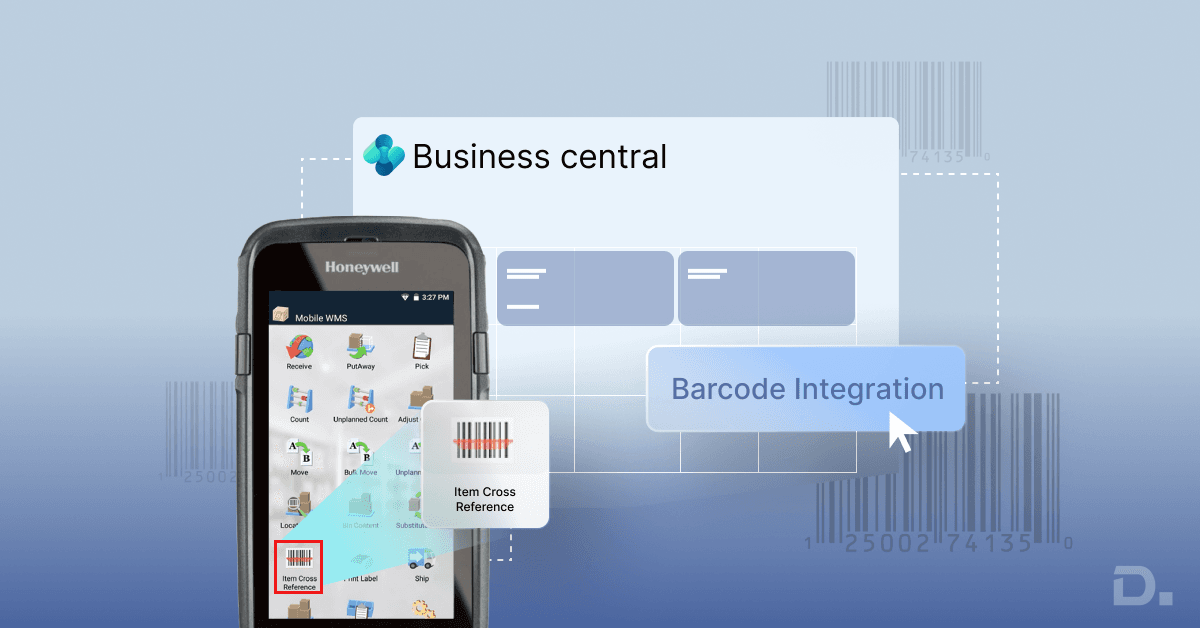
For businesses looking to improve warehouse processes more broadly, see our guide to warehouse barcode systems with Business Central.
6. Receive Goods and Update Inventory
When the shipment arrives, the relevant quantities can be received against the associated purchasing documents. The inventory position can then be updated based on the configured Business Central purchasing and warehouse process.
Importance of Inbound Container Handling in Supply Chain and Warehouse Management
Inbound Container Handling plays a significant role in both supply chain and warehouse management, especially for businesses that rely on international or bulk shipments. Here's why it's so important:
1. Enhances Supply Chain Visibility
Inbound container handling provides visibility of goods moving from suppliers towards the warehouse. This visibility helps:
Monitor shipment status and expected arrival times.
Identify delays early and adjust production or sales plans accordingly.
Improve communication between procurement, logistics and warehouse teams.
2. Improves Warehouse Efficiency
By knowing what’s arriving and when, warehouse teams can:
Pre-plan space allocation for incoming goods.
Schedule labour more effectively for unloading and receiving.
Use configured receiving processes to reduce manual data entry and speed up operations.
3. Enables Accurate Landed Cost Allocation
Inbound container handling allows businesses to:
Allocate freight, insurance, customs duties and other charges across items.
Improve visibility of the actual cost of imported products.
Reduce the risk of under- or over-costing inventory, which can affect profitability and financial reporting.
4. Supports Better Inventory Planning
With container-level tracking, businesses can:
Manage on-the-water inventory — goods that are in transit but not yet received.
Improve replenishment planning around expected shipment dates.
Reduce the risk of stockouts by considering incoming inventory in purchasing decisions.
For a broader look at inventory processes, read our guide on inventory management in Dynamics 365 Business Central.
5. Streamlines Procurement and Receiving Workflows
Inbound container handling connects shipment information with purchasing and warehouse processes to:
Associate multiple purchase orders with a container where the solution supports this workflow.
Update expected delivery dates when a shipment is delayed.
Make receiving more structured when container contents arrive at the warehouse.
6. Reduces Errors and Manual Work
Automating container handling processes can help:
Reduce repetitive data entry.
Improve consistency in landed cost calculations.
Reduce administrative work across logistics and accounting.
How Does Business Central Handle Landed Costs for Inbound Containers?
Landed cost represents the additional costs involved in getting purchased goods from the supplier to the business. For imported container shipments, these costs can include:
International freight.
Insurance.
Customs duties.
Port and handling charges.
Transportation and delivery costs.
Other shipment-related charges.
These costs may need to be allocated across the relevant products or purchase lines according to the organisation's costing requirements.
Accurate landed-cost management gives finance and operations teams a clearer view of the cost of imported inventory rather than relying only on the supplier's purchase price.
The exact landed-cost workflow depends on the Business Central configuration and any extension or customisation being used. Businesses should define how additional costs are captured, allocated and reflected in inventory valuation before implementation.
Business Central Native Functionality vs Container Management Extensions
Not every business needs a dedicated container management solution. The right approach depends on the complexity of the inbound logistics process.
Standard Business Central supports core purchasing, inventory and warehouse processes. However, businesses may require additional functionality when they need detailed container-level workflows.
A specialised extension or customisation may be relevant when the business needs to:
Group multiple purchase orders into one container.
Maintain detailed container records.
Track shipment and expected arrival information at container level.
Manage goods while they are in transit.
Allocate landed costs across container contents.
Handle high-volume or specialised receiving processes.
Connect container information with external logistics systems.
This approach allows businesses to start with the standard Business Central capabilities they need and extend the system where their operational requirements go beyond the standard process.
Inbound Container Handling and Business Central Integration
International supply chains often involve systems outside the ERP, including logistics platforms, freight providers, ecommerce systems, supplier portals and warehouse applications.
When these systems need to exchange information with Business Central, integration can reduce duplicate data entry and improve information flow across the supply chain.
For example, a business may need to connect shipment information with purchase orders, send inventory information to another application, or exchange data with an external logistics platform.
Our Dynamics 365 Business Central integration guide explains common integration approaches, APIs and third-party integrations in more detail.
How Inbound Container Handling Supports Inventory Planning
Goods that have been ordered are not necessarily available for sale or production until they have been received. This makes visibility of incoming inventory important for businesses with longer supplier lead times.
By connecting purchasing, shipment and inventory information, businesses can gain a clearer view of:
Current inventory levels.
Open purchase orders.
Expected inbound stock.
Delayed shipments.
Warehouse receiving requirements.
Potential inventory shortages.
This can help procurement and operations teams make more informed replenishment decisions and coordinate incoming stock with warehouse capacity.
When Should You Consider a Business Central Container Management Extension?
A standard Business Central setup may be sufficient when inbound shipments are relatively simple. Additional functionality becomes more relevant when container management involves multiple suppliers, frequent imports, complex landed costs or a high volume of purchase lines.
Consider an extension or customised solution if your business regularly:
Combines multiple purchase orders into individual containers.
Imports goods from multiple international suppliers.
Needs detailed shipment and container tracking.
Calculates significant freight, duty or insurance costs.
Needs better visibility of goods while they are in transit.
Handles high-volume warehouse receiving.
Needs to exchange shipment data with external logistics systems.
Summary: Why Inbound Container Handling Matters
| Benefit | Impact |
| Visibility | Clearer visibility of expected inbound shipments and goods in transit |
| Efficiency | More structured purchasing, warehouse and receiving processes |
| Cost Accuracy | Better visibility and allocation of freight, duties and other landed costs |
| Inventory Control | Better planning around current and expected inventory |
| Automation | Reduced repetitive data entry and manual administration |
| Scalability | Greater flexibility to support growing import and warehouse operations |
How Can Dynamics Square UK Help With Inbound Container Handling?
Inbound container management often involves more than tracking a shipment. Businesses may need to connect purchasing, inventory, warehouse operations, landed costs and external logistics processes into one practical workflow.
Dynamics Square UK can help businesses assess their Dynamics 365 Business Central requirements and determine whether standard functionality, an extension, integration or customisation is the right approach.
Our Business Central consultants can support:
Business Central implementation and process assessment.
Inbound container and shipment workflow design.
Warehouse and inventory process optimisation.
Purchase order and receiving process configuration.
Landed-cost process assessment.
Business Central integration with external systems.
Customisation and extension requirements.
Data migration, testing and user training.
Ongoing Business Central support and optimisation.
If your current inbound process relies on spreadsheets, manual shipment tracking or disconnected logistics systems, Dynamics Square UK can help assess where Business Central can improve visibility and reduce manual work.
Contact Dynamics Square UK to discuss your inbound container handling and Business Central requirements with our consultants.
Call us on 0203 769 7689 or email info@dynamicssquare.co.uk.
Frequently Asked Questions
Inbound container handling is the process of managing goods arriving from suppliers in containers, including purchase orders, shipment information, goods in transit, landed costs and warehouse receiving. Business Central provides the underlying purchasing, inventory and warehouse capabilities, while detailed container-level requirements may require an extension or customisation.
Business Central can manage purchasing and inventory information related to incoming goods. If a business needs detailed container-level tracking, shipment status, container references or specialised logistics workflows, an extension or integration may be required.
Yes, a suitable container management process can associate multiple purchase orders or purchase lines with one inbound shipment. Where this is not covered by the standard configuration, a Business Central extension or customised solution can support the required container-level workflow.
Landed-cost management accounts for additional costs associated with imported goods, such as freight, insurance, customs duties and handling charges. The exact allocation method depends on the business's costing requirements and the Business Central configuration or extension being used.
Business Central provides standard purchasing, inventory and warehouse capabilities, but detailed container-level tracking is a specialised requirement. Businesses that need container records, shipment tracking, purchase-order grouping or specialised landed-cost workflows may use an extension or customisation.
Yes. Business Central can support the purchasing, inventory and warehouse processes involved in receiving goods from international suppliers. More complex container, freight, customs or shipment-tracking requirements may need additional functionality or integration.
Business Central connects purchasing and inventory information, helping businesses understand open purchase orders and expected incoming stock. This can support replenishment planning and give procurement and operations teams better visibility of inventory that is on order but not yet received.
Yes. Dynamics Square can assess a business's inbound logistics process and determine whether standard Business Central functionality, an AppSource extension, integration or customisation is appropriate for container tracking, landed costs, receiving and related workflows.