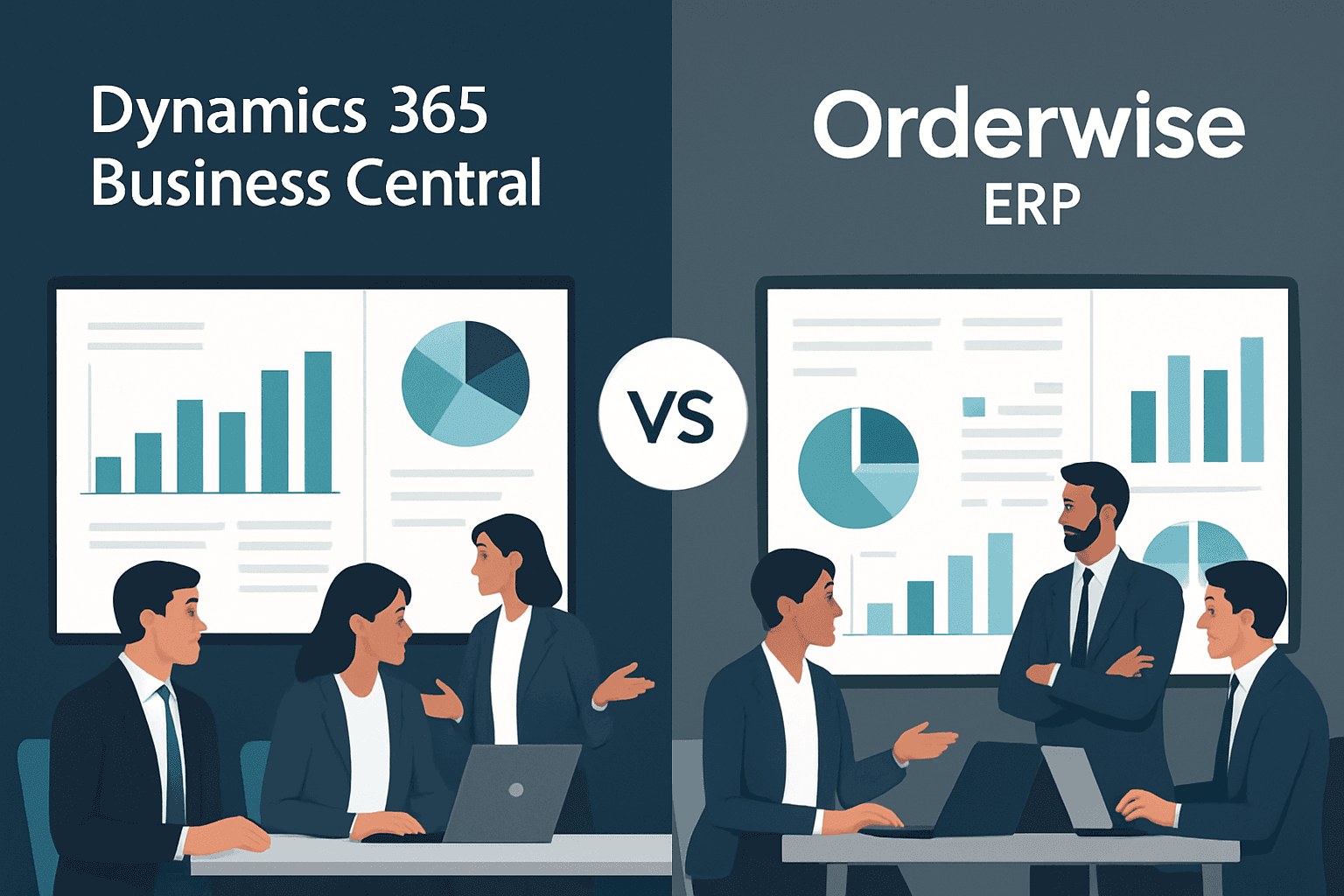
The debate of Dynamics 365 Business Central vs Orderwise ERP requires a thorough explanation regarding the impact of both these systems on businesses.
So, without further ado, let’s get into it.
Table of Contents
Maintaining control over your numbers, stock, orders, and teams is crucial for a growing business. That’s where an ERP system helps. But picking the right one can be tricky.
Managing a growing business today isn’t just about selling more. It’s about managing everything and making informed decisions that nurture growth, whether it is your finances, inventory, sales, or teams, with everything in the same place. That’s where ERP software comes in. It keeps your business running smoothly, helps you make faster decisions, and cuts down on delays and errors.
If you’re comparing Dynamics 365 Business Central vs and Orderwise ERP, you’re already looking in the right direction. Both systems offer strong tools for managing operations. But they’re built differently, and depending on how your business works, one may suit you better than the other. But with so many ERP options available, how do you know which one’s right for you? If you’re stuck between Dynamics 365 Business Central vs and Orderwise ERP, this guide will help.
Let’s keep things simple and compare them clearly so you can pick the one that fits your business in 2026.
Quick Overview of Orderwise and Business Central ERP
What is Orderwise ERP?
Orderwise is a UK-based ERP system made for growing businesses. It offers tools for stock control, finance, sales, purchasing, and warehouse management. It works best for companies with big stock levels or warehouse needs. It also supports integrations with sales channels like Amazon, eBay, and Shopify.
What is Dynamics 365 Business Central?
Business Central is Microsoft’s cloud-based ERP for small to mid-sized businesses. It combines finance, sales, inventory, customer service, and more in one platform. It connects well with other Microsoft tools like Excel, Outlook, Teams, and more.
Why Choose Business Central ERP in 2026?
Made by Microsoft
It works smoothly with Excel, Teams, Outlook, and other Microsoft tools. That means less time learning and more time doing.
Use it anywhere
Since it’s cloud-based, your team can work from any location, on any device. All it requires is internet connectivity.
Automatic updates
Microsoft keeps improving Business Central in the background. You always get the latest features and security patches.
User-friendly
The layout is clean and simple to use. Even teams new to ERP will pick it up quickly.
Flexible pricing
You can start small and add more features or users as your business grows. You only pay for what you use.
Great support
Microsoft partners like Dynamics Square UK help with setup, training, and ongoing support.
Dynamics 365 Business Central vs Orderwise ERP: Feature Comparison
|
Capability Area |
Orderwise ERP |
Dynamics 365 Business Central |
|
Core Positioning |
Built for wholesale, distribution, and stock-heavy operations |
All-in-one ERP for SMBs across industries with finance-first foundation |
|
Deployment |
On-premises and hosted cloud |
Cloud-first SaaS with optional on-premises |
|
Financial Management |
Basic to moderate accounting capabilities |
Advanced financials, multi-entity, consolidations, audit-ready reporting |
|
Inventory & Warehouse |
Strong WMS, stock control, order processing |
Strong inventory with optional advanced warehousing via extensions |
|
Supply Chain |
Operational focus, suitable for distribution |
End-to-end supply chain with planning, forecasting, and automation |
|
CRM Capabilities |
Limited native CRM |
Built-in CRM + deep integration with Dynamics 365 Sales |
|
Integration Ecosystem |
Limited native integrations, often requires custom work |
Extensive ecosystem: Microsoft 365, Power Platform, AppSource apps |
|
Automation & Workflows |
Rule-based workflows, limited extensibility |
Advanced automation via Power Automate and AI-driven workflows |
|
Reporting & Analytics |
Standard reporting tools |
Real-time dashboards, native Power BI integration |
|
Scalability |
Scales within operational boundaries, may require reconfiguration |
Highly scalable across entities, geographies, and business models |
|
User Experience |
Functional but can feel complex |
Modern, intuitive, familiar Microsoft interface |
|
Customisation |
Custom development required in many cases |
Low-code/no-code + extensions via AppSource |
|
Updates & Innovation |
Periodic updates, may require manual intervention |
Continuous automatic updates with Microsoft roadmap |
|
Compliance & Security |
Meets standard compliance needs |
Enterprise-grade security, compliance, and data governance (Microsoft Azure) |
|
Mobility |
Limited mobile flexibility |
Full mobile access across devices |
|
Implementation Complexity |
Can be longer for complex setups |
Faster deployment with standardised cloud approach |
|
Pricing Model |
Upfront licence + ongoing support costs |
Subscription-based, predictable and scalable |
|
Best Fit |
Distribution and warehouse-intensive businesses |
SMBs needing a connected, scalable, future-ready ERP |
Compare the Top ERP Systems for Your Business
Integration and Ecosystem: A Key Differentiator
Business Central does more than just handle ERP. It's part of the larger Microsoft environment, which lets businesses do a lot more without having to make significant changes.
It effortlessly connects with:
- Microsoft 365 (Excel, Outlook, Teams)
- Power BI for real-time reporting
- Power Automate to build workflows
- Microsoft Dynamics 365 CRM for customer info
- Shopify, PayPal, Stripe, and other third-party apps
This means that most businesses can add new features without having to start from scratch.
On the other hand, Orderwise lets you connect to other systems, especially those that handle shipping and eCommerce. However, going beyond core processes usually needs custom development or more configuration. This can make things more difficult for companies that want to go digital in the long run.
Implementation and Time to Value
Orderwise ERP
Implementation usually needs a lot of planning, especially for companies that run complicated warehouse operations. Depending on the level of organisational depth, moving data, setting up workflows, and aligning systems can take time. When methods are clearly laid out from the start, it works well.
Business Central
Business Central uses a more uniform, "cloud-first" method of deployment. This makes adoption go more quickly, which is great for small and medium-sized businesses.
When businesses work with approved partners like Dynamics Square UK, they get:
- Pre-configured industry practices
- Faster onboarding and training
- Reduced dependency on heavy customisation
This means that companies start seeing value faster while still being able to change the system over time.
Why Cloud ERP Is the Smarter Choice in 2026
More teams are remote. More tools are online. And things move fast.
Business Central gives you:
- Access from any device: Your team can work from home, on the road, or in the office, just log in.
- Better security: Microsoft manages your data security with backups, compliance, and encryption.
- Lower IT costs: No need for servers or IT staff to manage them. That means fewer bills and less stress.
- Real-time data: You always see the most current data, so you make faster and better decisions.
Orderwise does let you set up in the cloud. Business Central, on the other hand, was made from the ground up to be a real SaaS platform. This difference can be seen in things like automatic updates, ecosystem connection, and how easy it is to scale across teams and locations.
Pricing and Total Cost of Ownership
Orderwise ERP often requires an initial upfront investment that covers licensing, setup, training, and continued support. Costs can go up over time as systems are updated, infrastructure is built, and custom development is required.
Business Central simply follows a subscription-based model with per user pricing. You pay monthly based on the number of users and features you need. No big upfront fee is required. It’s easier to predict and control your budget.
So, prices in the case of Business Central are more stable. Besides, it also fits better with the scaling needs of businesses that are growing. Speaking of key cost drivers, they include number of users, modules and functionality, deployment method, customization and integration, data migration, training, change management, and ongoing maintenance.
When to Choose Orderwise vs Business Central
Choose Orderwise if:
- Your business is heavily warehouse-driven
- Stock control and logistics are your primary concern
- Your processes are already well-defined and operationally focused
Choose Business Central if:
- You want one system for finance, operations, and customer management
- You rely on Microsoft tools like Excel, Outlook, and Teams
- You plan to scale, automate, or expand into new markets
- You want flexibility without heavy redevelopment later
Final Thoughts
Orderwise ERP is a powerful system for businesses focused on warehouse and inventory management. If it meets your current needs, there’s no pressure to change.
However, for businesses looking beyond immediate operational needs and aiming for a connected, scalable, and future-ready system, Dynamics 365 Business Central often proves to be the more adaptable choice. It’s simple, scalable, always improving, and ready for whatever comes next.
Get Help with Your ERP Move
Not sure how to switch? Need help picking the right ERP?
Talk to the experts at Dynamics Square UK. They’ll guide you, set up Business Central for your needs, and support your team every step of the way. You can even try Business Central for free.