.png&w=3840&q=75&dpl=dpl_5ADMd8uijaLzKafRcnn1fwBvcZab)
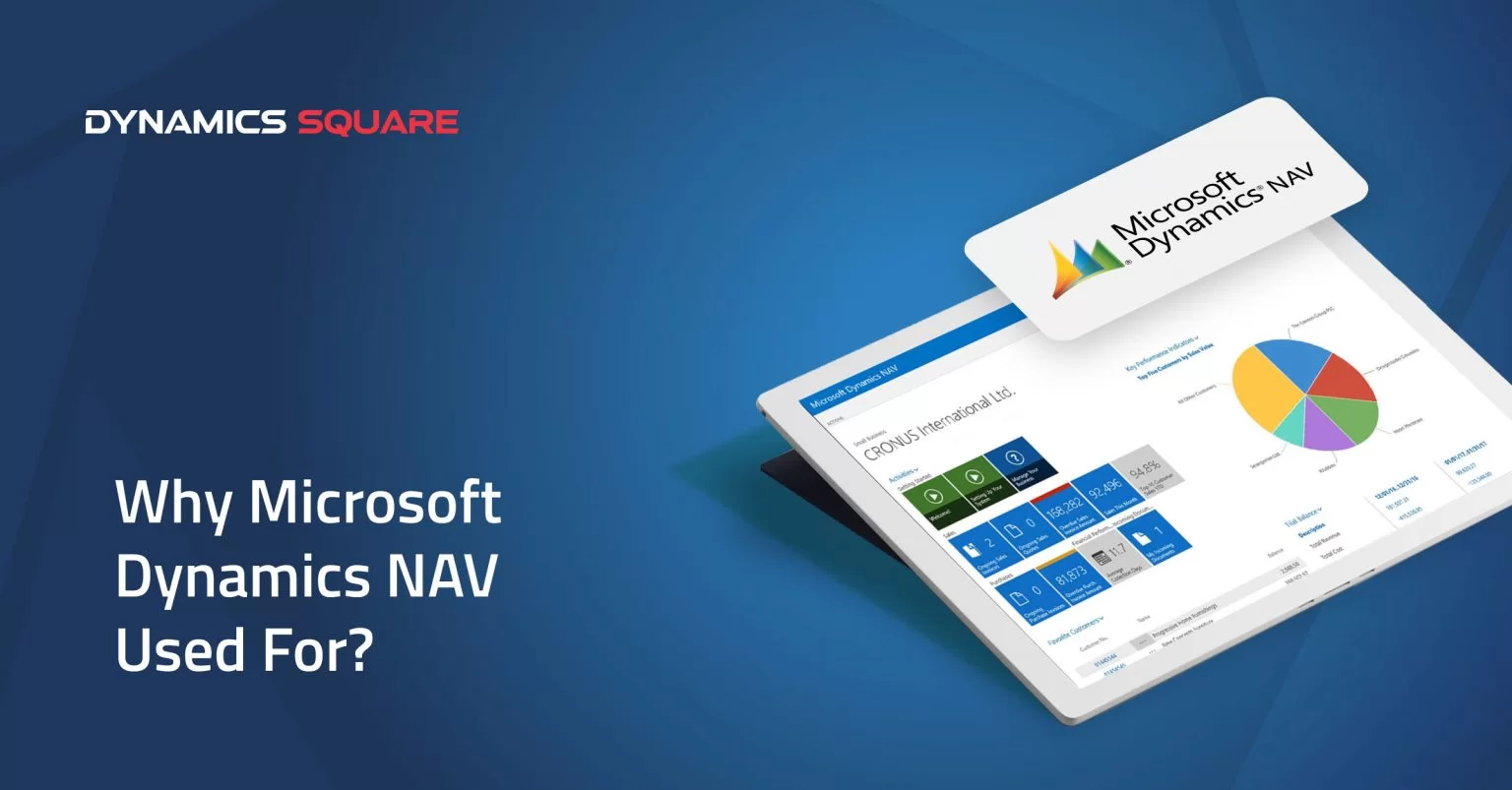
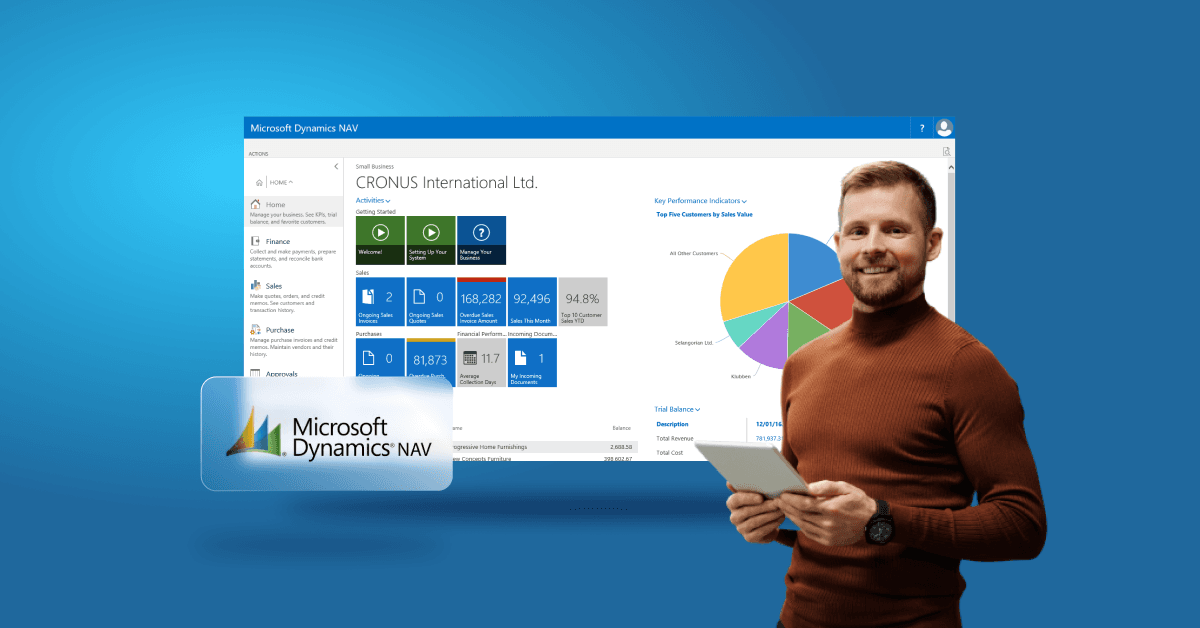
Microsoft Dynamics NAV is an enterprise resource planning (ERP) system that was designed to help small and mid-sized businesses manage finance, sales, purchasing, inventory, manufacturing, projects and other core business operations from one platform.
Originally known as Navision, Microsoft Dynamics NAV became part of Microsoft's Dynamics product family and was widely adopted by growing businesses that needed more functionality than basic accounting software could provide.
Table of Contents
- What is Microsoft Dynamics NAV?
- What Was Microsoft Dynamics NAV Used For?
- Key Features of Microsoft Dynamics NAV
- Who Used Microsoft Dynamics NAV?
- Why Did Businesses Use Dynamics NAV?
- Is Microsoft Dynamics NAV Still Used?
- What Is the Difference Between Dynamics NAV and Business Central?
- Can You Upgrade Dynamics NAV to Business Central?
- What Does a Dynamics NAV to Business Central Migration Involve?
- Conclusion
- Frequently Asked Questions
Microsoft introduced Dynamics 365 Business Central as the successor to Dynamics NAV in 2018. While businesses still use the terms Microsoft NAV, Navision and Dynamics NAV when referring to their existing ERP systems, Business Central is now Microsoft's current ERP platform for this market.
In this guide, we explain what Microsoft Dynamics NAV was used for, its main capabilities, who used it and what businesses running NAV should know about moving to Dynamics 365 Business Central.
What is Microsoft Dynamics NAV?
Microsoft Dynamics NAV was an ERP and business management application designed to connect core business processes within a single system.
Businesses used Dynamics NAV to manage areas such as:
Finance and accounting
Sales and purchasing
Inventory management
Supply chain operations
Manufacturing
Warehouse management
Project management
Service management
Reporting and business analysis
NAV was particularly popular with small and mid-sized organisations that had outgrown basic accounting applications and needed a more integrated ERP system.
What Was Microsoft Dynamics NAV Used For?
Microsoft Dynamics NAV was used to bring financial and operational processes together in one ERP environment. Instead of managing finance, purchasing, inventory and operations across separate systems, businesses could connect these processes and work from shared business data.
Common uses of Dynamics NAV included financial management, sales and purchasing, inventory control, manufacturing, supply chain management, project costing and warehouse operations.
1. Financial Management
Dynamics NAV helped finance teams manage core accounting and financial processes from a central system.
Businesses could use NAV for:
General ledger management
Accounts payable and receivable
Cash flow management
Bank reconciliation
Budgeting
Fixed asset management
Financial reporting
Multi-currency transactions
Connecting financial information with sales, purchasing and inventory data also helped finance teams gain a more complete view of business performance.
2. Sales and Customer Management
Dynamics NAV supported sales processes including quotes, orders, invoicing and customer account management.
By connecting sales information with inventory and finance, businesses could give sales teams better visibility of orders, stock and customer transactions.
For organisations that needed more advanced customer relationship management, NAV could also be integrated with Microsoft CRM solutions and other applications.
3. Inventory Management
Inventory management was one of the important uses of Dynamics NAV, particularly for distribution, wholesale, retail and manufacturing businesses.
NAV could help businesses:
Track inventory levels
Manage stock across locations
Monitor item movements
Manage purchase and sales orders
Track item availability
Support replenishment planning
Manage inventory costs
This helped businesses connect stock information with purchasing, sales and financial processes rather than maintaining separate records.
4. Manufacturing Management
Manufacturing businesses used Dynamics NAV to connect production activities with inventory, purchasing, sales and finance.
Depending on the NAV version and configuration, manufacturing functionality could support processes such as:
Bill of materials (BOM)
Production orders
Material requirements planning
Capacity planning
Production costing
Inventory consumption
Manufacturing scheduling
This allowed manufacturers to maintain better visibility across materials, production activities and finished goods.
5. Supply Chain and Purchasing
Dynamics NAV was also used to manage purchasing and supply chain processes.
Businesses could manage suppliers, purchase orders, item availability and related transactions within the same ERP environment.
Connecting purchasing with inventory and finance helped businesses understand what had been ordered, what was available and how purchasing activity affected costs and cash flow.
6. Project Management and Job Costing
Businesses involved in project-based work could use Dynamics NAV for job management and project costing.
This could include:
Project budgets
Job costing
Resource planning
Timesheets
Project expenses
Project profitability reporting
By connecting project costs with financial information, organisations could monitor the financial performance of individual projects more effectively.
7. Customer Service and Service Management
Dynamics NAV included service management capabilities that could help organisations manage service-related processes and service items.
Businesses could use these capabilities to record service activities, manage service items and connect service processes with customer and sales information.
8. Warehouse Management
Dynamics NAV supported warehouse operations such as inventory movement, bin management and warehouse processes.
Depending on the implementation and NAV version, businesses could configure warehouse locations, zones and bins to reflect their physical warehouse structure.
This helped warehouse teams maintain better control over stock movements and fulfilment processes.
Key Features of Microsoft Dynamics NAV
Dynamics NAV provided a broad set of ERP capabilities that could be configured according to an organisation's requirements.
| Dynamics NAV capability | What it helped businesses manage |
|---|---|
| Financial management | Accounting, budgets, cash flow and financial reporting |
| Sales management | Quotes, sales orders, customers and invoicing |
| Purchasing | Suppliers, purchase orders and procurement processes |
| Inventory | Stock levels, item movements and availability |
| Manufacturing | Production orders, BOMs, planning and costing |
| Warehouse management | Bins, zones and warehouse movements |
| Project management | Jobs, project costs, resources and budgets |
| Service management | Service activities and service items |
| Reporting | Operational and financial business information |
Who Used Microsoft Dynamics NAV?
Microsoft Dynamics NAV was primarily designed for small and mid-sized businesses that needed an integrated ERP system to manage financial and operational processes.
It was used across industries including:
Manufacturing
Wholesale and distribution
Retail
Professional services
Food and beverage
Automotive
Construction and project-based businesses
The flexibility of NAV also allowed Microsoft partners to configure and customise implementations for different industries and business processes.
Why Did Businesses Use Dynamics NAV?
One of the main reasons businesses adopted Dynamics NAV was its ability to connect finance and operational processes within one ERP system.
Instead of maintaining separate systems for accounting, purchasing, inventory and operations, organisations could bring these processes together and create a shared source of business information.
NAV was also known for its flexibility. Businesses could configure the system around their processes and extend it where additional functionality was required.
For many organisations, this flexibility made NAV a long-term ERP platform rather than simply an accounting application.
Is Microsoft Dynamics NAV Still Used?
Yes. Many businesses still operate existing Microsoft Dynamics NAV environments, particularly organisations that implemented NAV several years ago and have built customised processes around it.
However, Dynamics NAV is now a legacy Microsoft ERP product. Microsoft has moved its ongoing ERP development towards Dynamics 365 Business Central.
For example, Microsoft lists Dynamics NAV 2018 with a mainstream support end date of 11 January 2023 and an extended support end date of 12 January 2028. Support dates vary by NAV version, so businesses should check the lifecycle information for their specific release.
What Is the Difference Between Dynamics NAV and Business Central?
Dynamics 365 Business Central is the successor to Microsoft Dynamics NAV. It is not accurate to describe NAV and Business Central as exactly the same product, although Business Central builds on the capabilities and ERP heritage of NAV.
| Dynamics NAV | Dynamics 365 Business Central |
|---|---|
| Legacy Microsoft ERP platform | Microsoft's current ERP platform for small and mid-sized businesses |
| Commonly deployed on-premises | Available as cloud and on-premises deployments |
| Older customisation architecture commonly uses C/AL | Modern Business Central development uses AL and extensions |
| Version-specific support lifecycle | Regular Microsoft release waves and updates |
| Existing NAV environments can continue to operate according to their support lifecycle | Microsoft's current product investment is focused on Business Central |
Businesses currently running NAV do not necessarily need to replace everything immediately. The appropriate approach depends on the NAV version, customisations, integrations, data, infrastructure and business requirements.
Can You Upgrade Dynamics NAV to Business Central?
Yes. Microsoft provides supported upgrade and migration paths from supported versions of Dynamics NAV to Dynamics 365 Business Central.
The exact route depends on the NAV version and the target Business Central environment. For example, Microsoft documents upgrade paths for NAV 2015 through NAV 2018 that involve intermediate Business Central versions before moving to the current supported release.
NAV customisations are an important part of the assessment. Microsoft notes that code customisations need to be converted to AL extensions when following the supported upgrade route.
Businesses moving from NAV to Business Central online should therefore assess their existing customisations, integrations, historical data and business processes before starting the migration.
What Does a Dynamics NAV to Business Central Migration Involve?
A NAV to Business Central migration is not simply a database move. It typically involves reviewing the existing NAV environment, assessing customisations, planning the upgrade route, migrating relevant data and validating business processes.
Key areas to consider include:
Current NAV version
Customised code and C/AL modifications
Third-party extensions
Historical and master data
External integrations
Reports and business processes
User roles and permissions
Cloud migration requirements
Microsoft's current guidance describes both full migration and reimplementation approaches for supported NAV-to-Business Central scenarios. The right approach depends on how much legacy functionality and historical data the business needs to retain. Read more about - Migrate From NAV To Business Central Online.
Conclusion
Microsoft Dynamics NAV was used by thousands of businesses to manage finance, sales, purchasing, inventory, manufacturing, supply chain, projects and warehouse operations through an integrated ERP platform.
Although NAV remains in use in many existing business environments, Microsoft has moved its ERP development towards Dynamics 365 Business Central. For organisations still running NAV, understanding the current version, support lifecycle, customisations and available upgrade paths is important when planning the next stage of their ERP strategy.
Need help with Dynamics NAV support or migration to Business Central? Contact Dynamics Square UK for expert guidance on Dynamics NAV to Business Central upgrade and migration.