.png&w=3840&q=75&dpl=dpl_9y7QyMHa1NcF4HoPi8oZdvzVn2wz)
Are you looking Sage alternatives in UK? Currently, Sage 50 might be hindering your business operations, leading you to look for better and more reliable Sage alternatives. If so, you need to find a solution that is adaptable, scalable, reliable, and understands your business as well as its operations.
The search for a leading ERP solution isn’t easy at all. You need to examine various parameters, such as ERP performance at different levels.
Table of Contents
Thereafter, you need to find a solution capable of aligning with your business requirements for superior growth and a better ROI.
For our beloved audience, we have done in-depth research to find the best Sage 50 alternatives that understand modern businesses and their requirements.
In this blog, we explore 10 alternatives to Sage, comparing their key features, pricing and suitability for different business needs. Choosing the right accounting software depends on your business size, financial processes and future growth plans.
10 Sage Alternatives Accounting Software UK 2026
| Software | Best For | Cloud | Pricing | Inventory | CRM | Scalability |
|---|---|---|---|---|---|---|
| Dynamics 365 Business Central | Growing SMBs & ERP | Yes | Medium | Advanced | Yes | High |
| Xero | Small Businesses | Yes | Low | Basic | Limited | Medium |
| QuickBooks Online | Small Accounting Teams | Yes | Medium | Basic | No | Medium |
| Zoho Books | Startups | Yes | Low | Medium | Yes | Medium |
| Oracle NetSuite | Enterprises | Yes | High | Advanced | Yes | Very High |
| SAP Business One | Mid-sized Manufacturing | Yes | High | Advanced | Yes | High |
We have analysed more than 40 solutions that prove to be better alternatives to Sage 50. Among them, the solutions are listed below:
1. Dynamics 365 Business Central
Best for: Mid-sized to enterprise businesses needing a full ERP solution
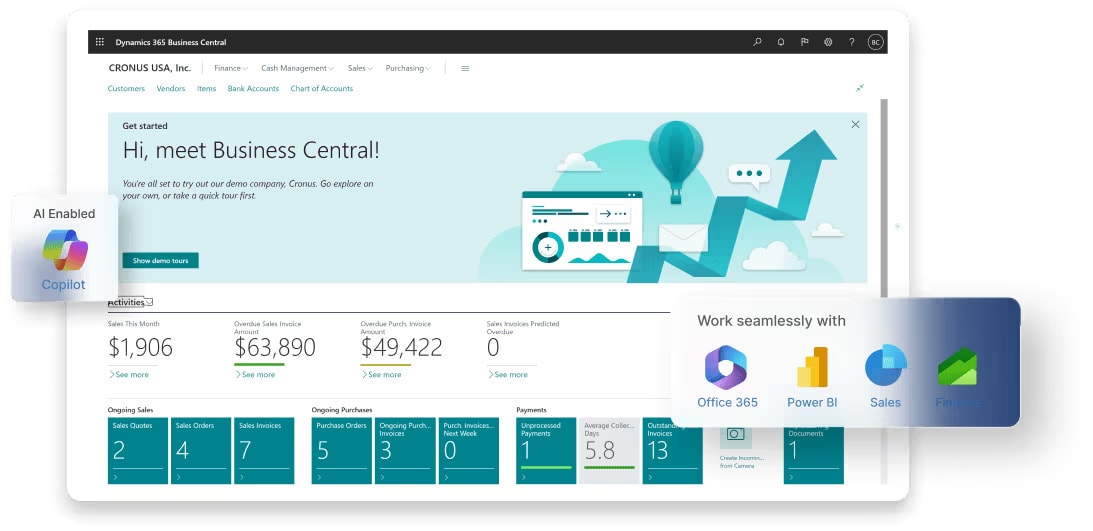
Microsoft Dynamics 365 Business Central is an all-in-one ERP (enterprise resource planning) solution built for SMBs. It is capable of connecting all departments and the concerned processes together to form a centralised stream of data flow.
Most small and medium businesses are considering this solution due to its reliability, scalability, and cost-effectiveness.
Business Central is not only capable of managing finance operations but also streamlines all business operations without any hassle. With cloud and on-premises options, it can easily align with the needs of businesses of any size or industry, especially when enhanced by AI agents (Copilot).
Updated UK Pricing (ex. VAT)
| Licence Type | Monthly Cost (per user) |
|---|---|
| Team Member | £6.60/user/month |
| Essentials | £61.50/user/month |
| Premium | £84.60/user/month |
Who Should Choose Business Central?
Businesses with 10–300 users who need more than accounting — including inventory, operations, or project management — and are already using or considering the Microsoft ecosystem.
See Also –
2. Xero
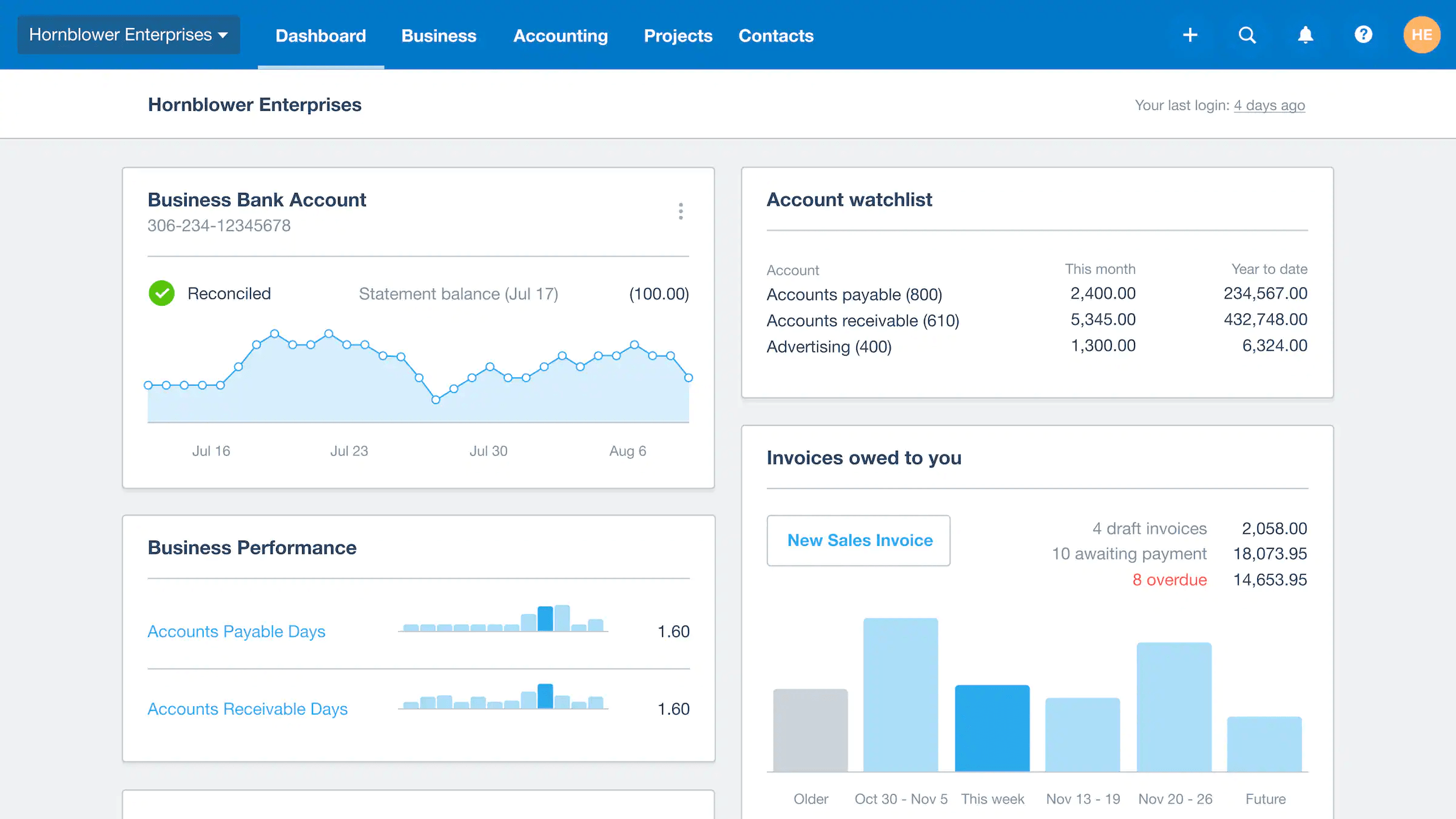
Xero is a cloud-based accounting software designed to simplify the accounting requirements of small businesses. You can access your data through a desktop or mobile application that connects to the system 24 hours a day, seven days a week.
Along with various features, it comes with a number of limitations, including no support for exchange-traded products, a lack of automation, limited expense claims, expensive plans, a weak purchase and inventory module, and much more.
Updated UK Pricing Approx (ex. VAT)
| Plan | Monthly Cost | Key Limits |
|---|---|---|
| Simple | £7/month | 20 invoices/month, 10 bills/month |
| Ignite | £18/month | Unlimited invoices, VAT returns |
| Grow | £39/month | Everything in Ignite + payroll for 1 |
| Comprehensive | £55/month | Multi-currency, expenses |
| Ultimate | £70/month | Full feature suite, advanced analytics |
3. QuickBooks Online
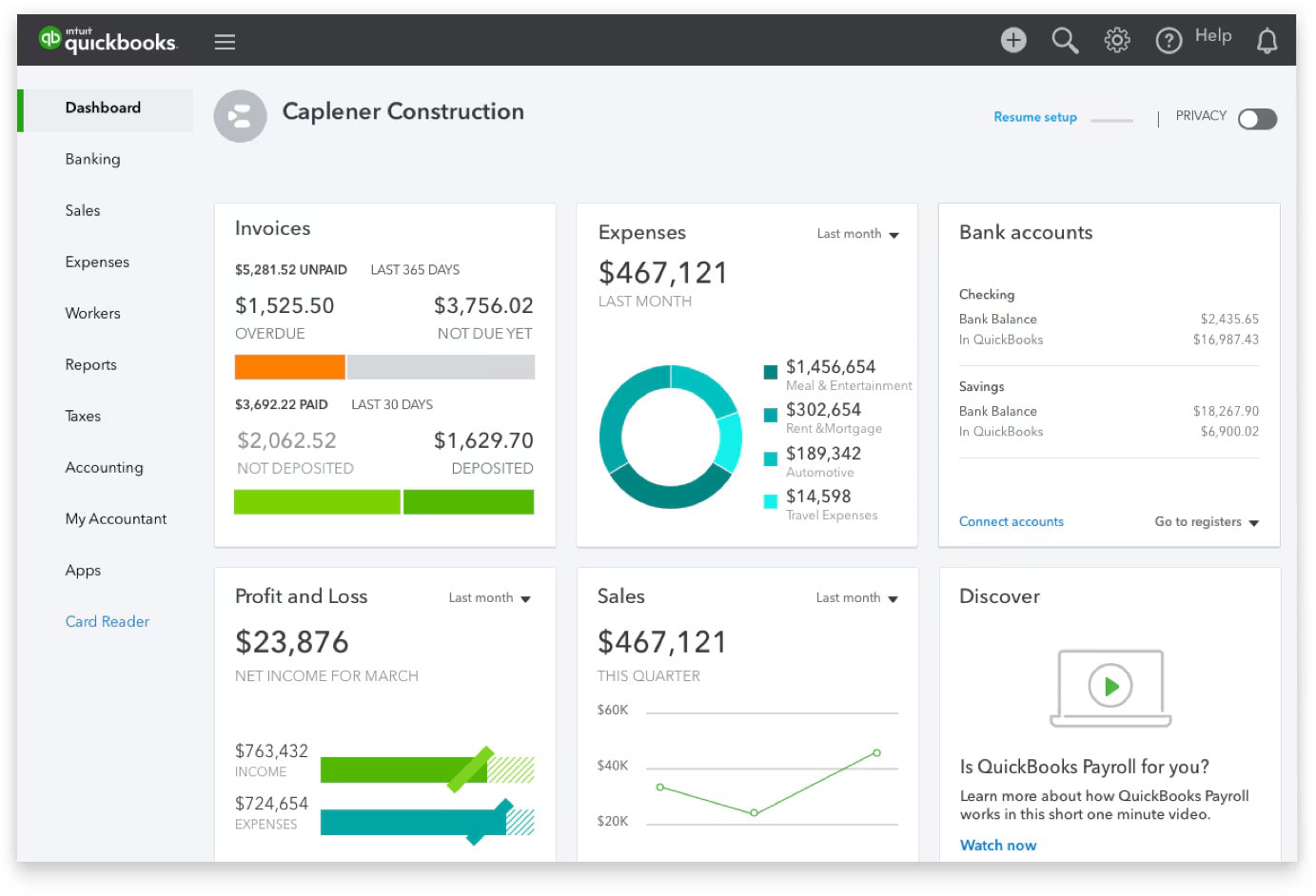
QuickBooks Online is an accounting solution built for small businesses. Other than managing financial operations, it is capable of streamlining inventory operations. Businesses with simple financial and inventory requirements often choose this solution.
It does have various limitations that include a lack of core features (like barcode scanning), weak data reporting, a limited number of data transactions, the inability to be scaled, and much more.
UK Approx Pricing (ex. VAT)
| Plan | Monthly Cost | Best For |
|---|---|---|
| Sole Trader | £10/month | Sole traders, self-assessment, basic VAT |
| Simple Start | £16/month | Small businesses, 1 user, basic invoicing |
| Essentials | £38/month | Up to 3 users, bill management, multi-currency |
| Plus | £56/month | Up to 5 users, inventory, project tracking |
| Advanced | £123/month | Larger teams, automation, AI workflows |
4. Zoho Books
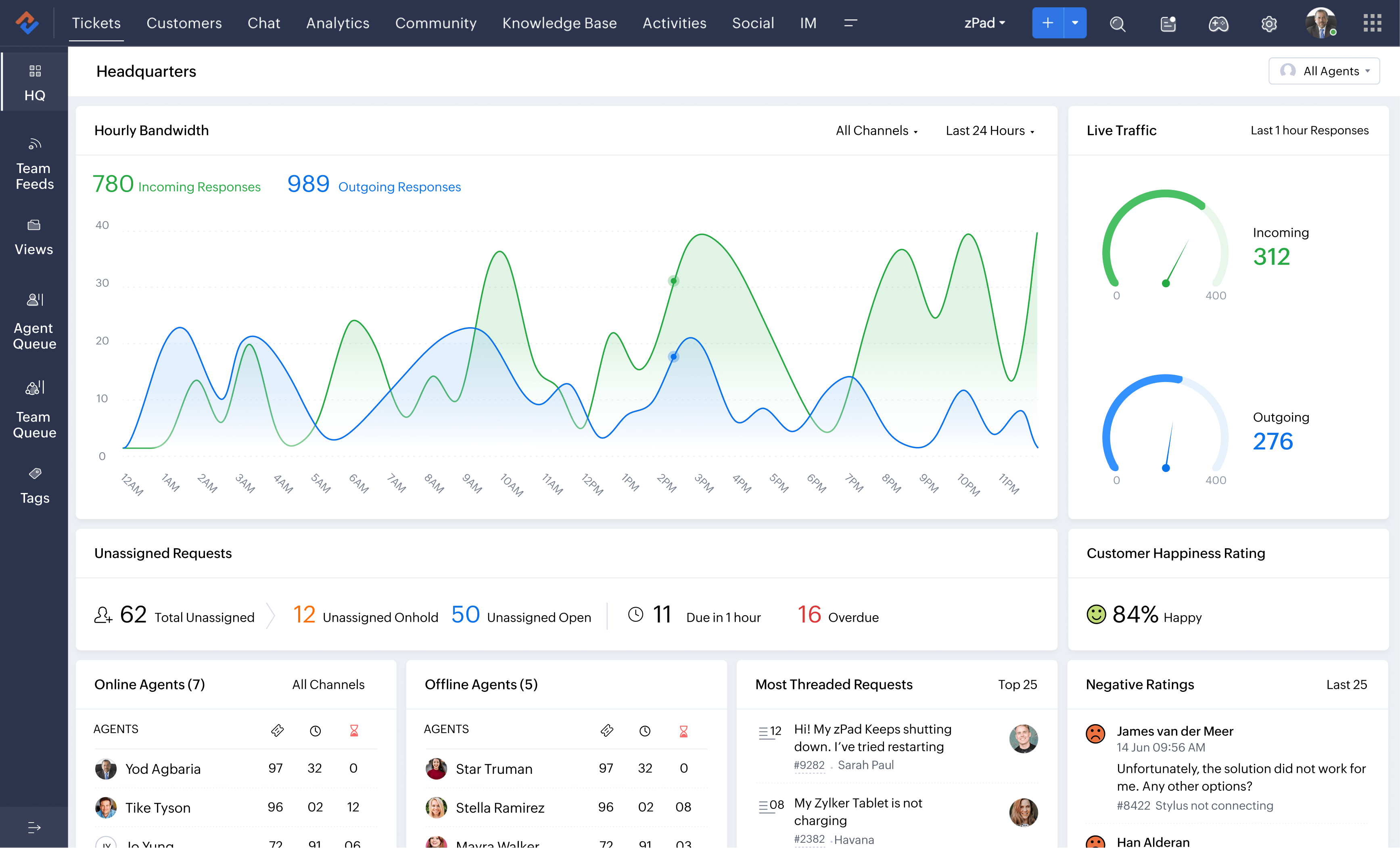
Zoho Books is an accounting software available for small businesses. It is one of the 40 apps that come with Zoho One Suite. This solution is capable of streamlining accounting needs and building a bridge between finance and other departments of the business.
It offers limited possibilities of integration and customisation to align with the solution based on specific requirements. The pricing plan offers limited features, and the solution doesn’t come with payroll services.
UK Pricing (ex. VAT, billed annually)
| Plan | Monthly Cost (annual billing) | Key Features |
|---|---|---|
| Free | £0/month | Up to 1,000 invoices/year, 1 user + 1 accountant |
| Standard | ~£10/month | Recurring expenses, predefined user roles |
| Professional | ~£20/month | Projects, sales orders, multi-currency |
| Premium | ~£25/month | Budgeting, custom domain, transaction series |
| Elite | ~£85/month | Advanced inventory, warehouse management |
| Ultimate | ~£165/month | Full analytics suite, 25 custom modules |
5. Bench
Bench is a cloud-based solution for managing all of your bookkeeping needs. It comes with simple data reporting and easily digestible financial statements, and it enhances the overall efficiency and productivity of the organisation.
It has a somewhat complicated interface, which makes it difficult for users to understand and utilise all functions and capabilities. Furthermore, the support provided by the parent organisation is insufficient to resolve ongoing business issues and is unreliable.
6. Oracle NetSuite
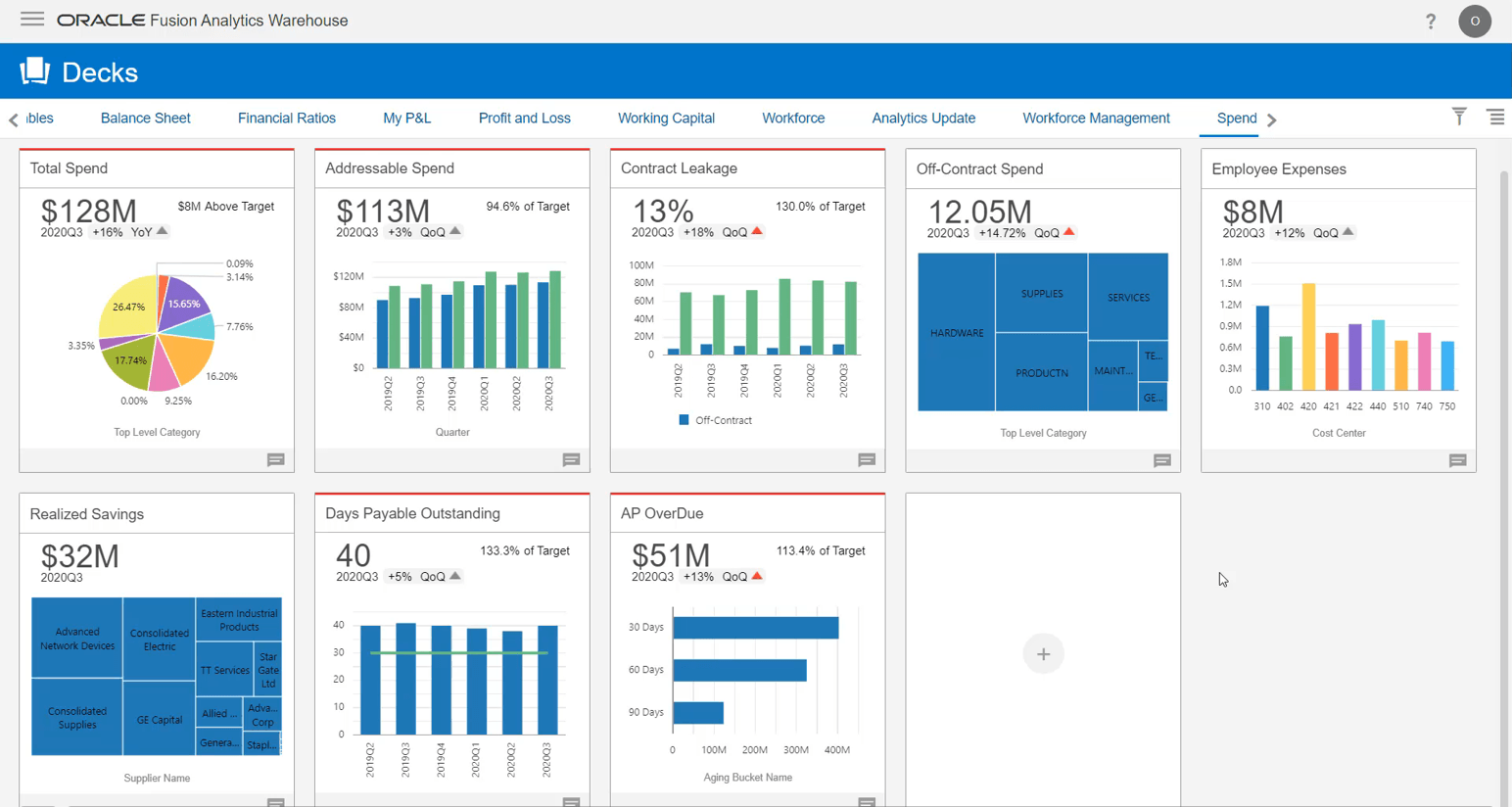
NetSuite is an ERP solution for large industries built by Oracle. It is a popular solution capable of streamlining back-office operations, financial operations, and core business processes. Compatible with cloud servers, it is mainly built to resolve finance and accounting requirements.
With numerous features, it comes with a number of drawbacks. Like, the pricing model is not flexible at all, and the licencing cost is a bit high as compared to other similar applications in the market.
Nonetheless, Oracle provides limited support to users and charges a high price if there is an emergency.
7. SAP Business One
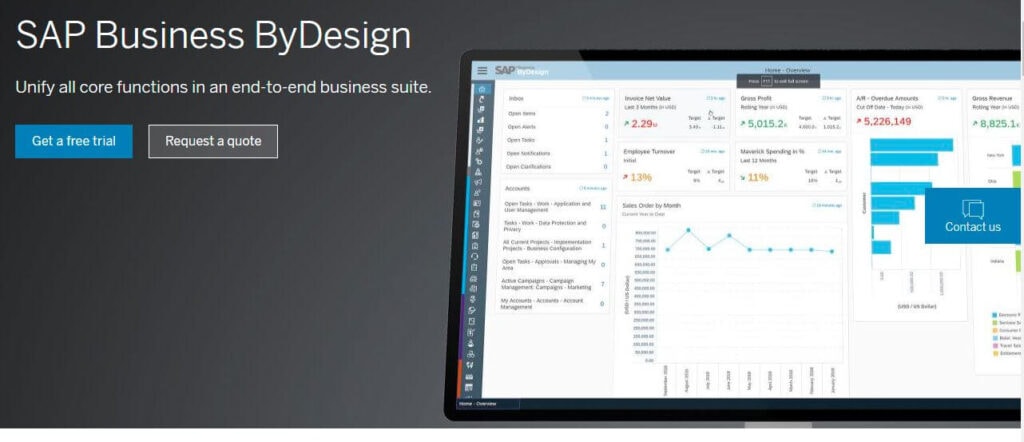
SAP Business One is an ERP for small businesses that can manage different departments, including, accounting, financials, inventory, sales, customer relationships, and purchasing. With smooth data reporting features, it offers great insights to help a business get going.
Being a smart ERP for businesses, it does come with various flaws that hinder the overall performance of the business. The user interface is not as smooth and simple as the majority of competing ERPs.
Also, the reporting function is not properly optimised, and users would need training to understand all features as well as function.
8. Wave
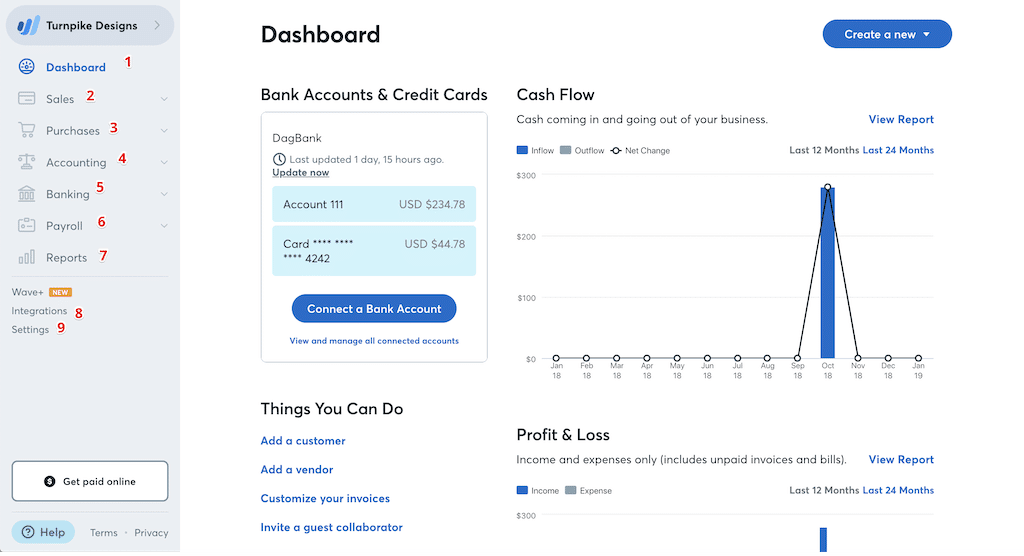
Wave is simple accounting platform that offers accounting, financial, and invoicing capabilities to small businesses. Wave provides various tools, including cash flow tracking, invoice creation, tax calculations, and payroll services.
As it is free, Wave offers limited capabilities when compared to other similar accounting tools. Due to its simplicity, it is unable to justify all the requirements for a seamless operation.
9. Paychex
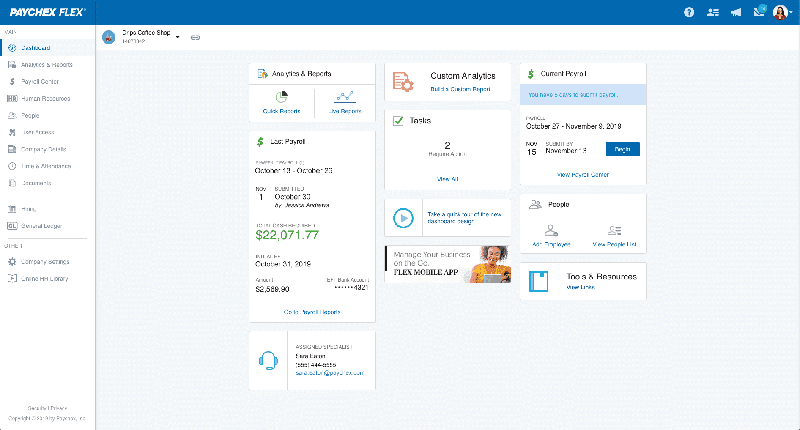
Paychex is a cloud-based solution that can process general financial requirements, including, payroll processing and tax administration operations. Also, it offers automation capabilities, resulting in enhanced efficiency and a better ROI.
It requires high implementation costs and doesn’t offer any kind of trial to test the capabilities. Also, it lacks proper training to help users understand the solution and utilise it properly.
10. FreeAgent
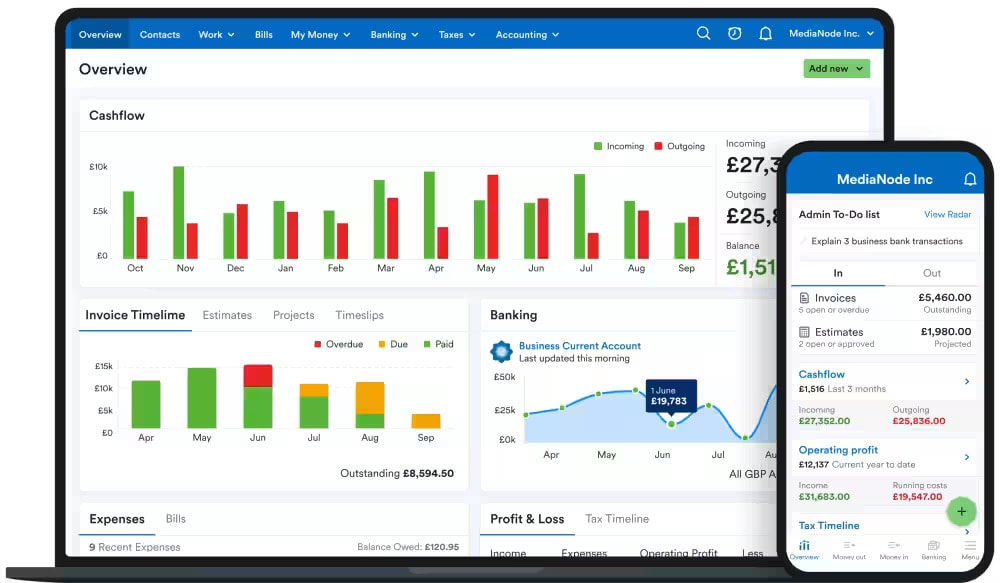
FreeAgent is also a cloud-based ERP that offers a simple dashboard with great features to cope with finance requirements. It offers various features, among which some are accurate time tracking, seamless expense management, tax automations, real-time cash management, invoice creation, and multi-currency support.
UK Pricing (ex. VAT)
| Plan | Monthly Cost |
|---|---|
| Landlord | £10/month |
| Sole Trader | £19/month |
| Partnership / LLP | £27/month |
| Limited Company | £33/month |
| Free via NatWest/RBS/Mettle | £0 |
With various features, it lacks in offering smooth bill payment and reconciliation. Also, users have to enter the details from the beginning whenever there is a need to edit any of the information.
Limitation of Sage 50
It is a popular cloud-based accounting solution specifically built for SMBs. It is capable of streamlining the entire financial and accounting operations of a business but also poses limitations. Some of the limitations are:
Limited to Scale: Specifically built for SMBs, it offers limited opportunities to scale a business. Even so, it lacks the ability to resolve complex financial operations.
Limited to Customise: It offers limited personalisation and add-ons for emerging businesses. When your business grows and requires more processes to run, Sage 50 will struggle a lot while performing.
Automation: Being an accounting software, the level of automation offered to eliminate recurring tasks is very low. Users still have to depend on manual data entry, which is cumbersome to follow.
Limited Cloud Performance: When it is time to fetch more performance using cloud servers, Sage 50 offers limited opportunities for it. You will need to contact support or enhance the servers to resolve the performance issue.
Limited Integrations: Unlike other accounting ERPs available in the market, it offers very limited integration, resulting in decreased productivity and overall efficiency.
Benefits of Switching from Sage 50
If you are looking to switch from Sage 50 to another more reliable and powerful solution, it’s the right time to make a move. There is no doubt that Sage 50 is a good tool, but is it perfect for your growing business?
You have the answer. All growing businesses must upgrade to an ERP solution that understands their needs and offers the best solution that can be scaled with ease.
Like Sage 50, it is a financial ERP, and you will have to adapt other solutions to tackle other business operations.
For example, you may need to implement a new solution for inventory and another for supply chain.
This begs the question of why not all small businesses implement an all-in-one ERP solution capable of managing all aspects of their operations. This will lower overall costs and allow you to focus on growth rather than unifying all solutions.
Who Should Switch from Sage?
Not every business reaches a point where Sage becomes a problem.
For some, it continues to do exactly what they need. For others, the cracks start showing as the business grows and processes become more demanding.
You may find yourself looking at alternatives if any of these situations sound familiar:
Business Growth
The system worked well when the business was smaller. Now there are more transactions, more users, and more processes to manage than before.
Manual Processes
Teams are spending time entering data, updating records, or repeating the same tasks every week. It gets done, but it takes more effort than it should.
Disconnected Systems
Finance sits in one application. Sales sits somewhere else. Reporting comes from a spreadsheet. Finding a complete picture starts taking longer.
Microsoft Integration Requirements
If your team works heavily in Excel, Outlook, Teams, or Microsoft 365, it often makes sense to use a system that fits more naturally into that environment.
Reporting Challenges
Simple reports should not require chasing data from different places or spending hours updating spreadsheets before a meeting.
Scalability Requirements
New users, new locations, and new requirements tend to expose system limitations quite quickly. Businesses often start reviewing alternatives when they feel those limits getting closer.
For many businesses, the decision is not really about leaving Sage behind.
It is about finding a platform that fits where the business is today and where it expects to be a few years from now.
Choosing the Right Sage 50 Alternative for Your Business
If you are considering a reliable and cost-effective solution with superior support, you should go with Business Central. Built by Microsoft specifically for SMBs, it offers various capabilities to help you manage different departments—backed by dedicated Business Central support to ensure smooth and efficient operations.
Using the power of the cloud, it connects all departments and their processes. Also, you can opt for on-premises data servers in the event of special requirements.
Microsoft Dynamics Business Central is a flexible solution that aligns properly with any business, irrespective of type, size, and complexity. The best part about this solution is the trust of Microsoft, resulting in smooth and seamless support.
In case of any query, you can directly contact the team at Dynamics Square by dialling 0203 769 7689, or you can send us a direct email to info@dynamicssquare.co.uk.
We have been implementing Business Central for small businesses like yours to help them focus more on growth while maximising revenue. Give us a call, and we will resolve all your issues.
See Also -
Frequently Asked Questions
Dynamics 365 Business Central, Xero, QuickBooks Online, Zoho Books and FreeAgent are alternatives to Sage. The right choice depends on your business size, accounting requirements, inventory needs and plans for growth.
Switching can help teams work with less stress. Alternatives bring cleaner designs, easy reporting, and smoother tools. Owners feel freer and gain better control.
It feels close to QuickBooks, Xero, and FreshBooks. Each helps track money, manage bills, payroll, and tax.
Yes, most leading alternatives already follow UK tax rules. They process payroll, manage VAT, and keep everything safe for reporting.
Moving from Sage to Business Central or other platforms takes planning and support. Data transfer and training make the change manageable. With guided steps, businesses settle quickly into the new system.
Dynamics 365 Business Central is worth considering if your business needs more than accounting, including inventory management, purchasing, sales, project management and financial reporting. Sage 50 may remain suitable for businesses with simpler accounting requirements.
The cost depends on licensing, data migration, implementation complexity, integrations, customisation and user training. Request a tailored quotation to understand the total cost of moving from Sage 50 to Business Central.
Yes. Businesses can migrate relevant financial records, customer and supplier details, chart of accounts, inventory data and outstanding transactions to Business Central. The migration process depends on your existing data quality, requirements and migration approach.
Microsoft Dynamics 365 Business Central is a strong option for growing businesses that need integrated finance, inventory, sales, purchasing and operational management. Smaller businesses looking primarily for straightforward accounting may prefer Xero or QuickBooks Online.